How to Review Lecture Slides Properly [Full Guide]

The Challenge of the Slide Deck
Walking into a lecture hall and seeing a sixty-slide presentation can be overwhelming. Many university students make the mistake of thinking that simply having the slides is the same as understanding the material. They scroll through the PDF, nod along to the bullet points, and then wonder why they cannot remember anything during exam week. Reviewing lecture slides properly is a skill that separates average students from those who consistently stay on top of their coursework without burning out.
The first step to a successful review is preparation before the lecture even begins. Most professors upload their materials a day or two in advance. Instead of opening them for the first time as the professor starts speaking, take ten minutes the night before to skim through the headings. This allows your brain to create a mental map of what is coming. When you see a slide during the live session, you will already possess a basic framework for where that information fits into the larger module. This proactive approach prevents you from feeling lost mid-lecture when the professor moves at a rapid pace.
Active Engagement vs. Passive Scrolling
Passive reading is the enemy of retention. When you sit in front of your laptop and just read through the slides, the information remains in your short-term memory. To move it into long-term storage, you need to engage with the content actively. This means rewriting key concepts in your own words rather than copying the text verbatim. If a slide contains a complex diagram, try to redraw it and label the parts from memory. If there is a list of theories, think of a real-world example for each one.
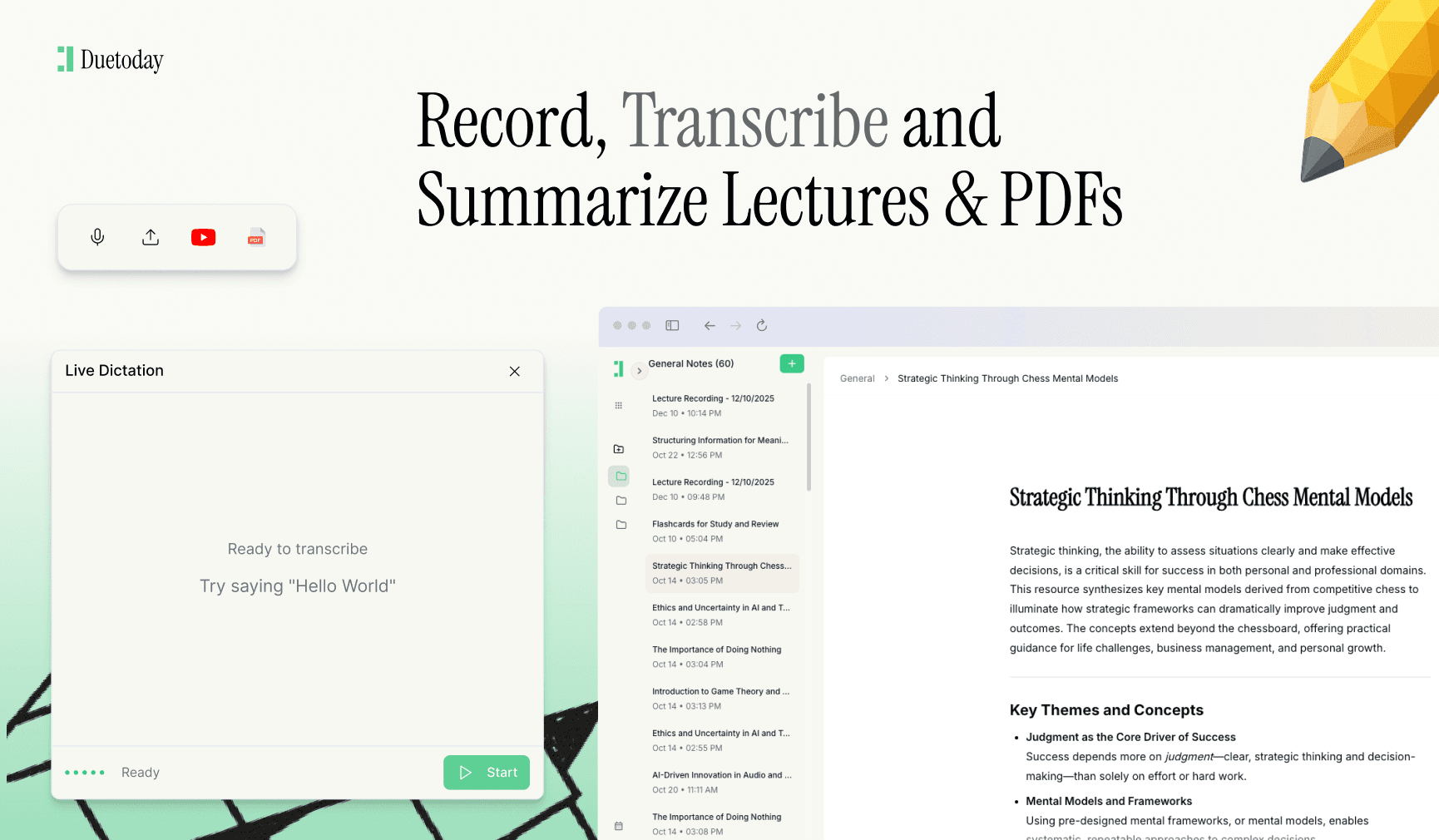
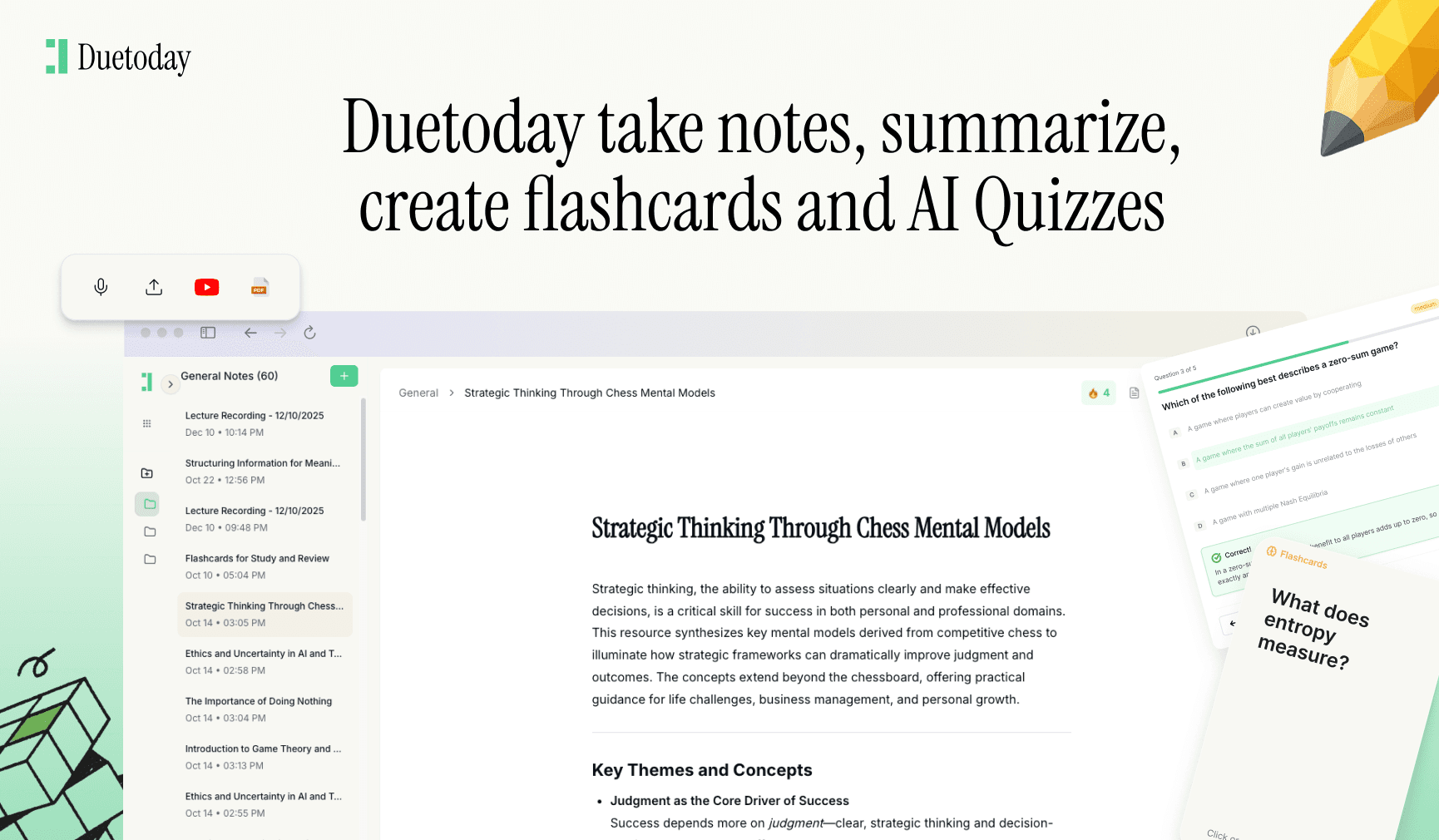
One of the most effective ways to modernize this process is by using Duetoday AI. Duetoday is an AI-powered learning platform that turns lectures, PDFs, and notes into summaries, flashcards, quizzes, and structured study tools automatically. It acts like a personalized AI tutor, helping students learn faster, stay organized, and retain information without spending hours rewriting notes. Instead of struggling to manually organize fifty slides, you can let the platform handle the heavy lifting while you focus on the actual concepts.
The Annotation Technique
Many students print their slides or use a tablet to write directly on the PDF. This is a great habit, but only if done correctly. Do not just underline things. Use the white space around the slide to record what the professor says that isn't written on the screen. Often, the most important exam hints or clarifying examples are spoken, not typed. Use a color-coding system to mark things you don't understand with a red question mark, while marking potential exam topics with a green star. This makes your future revision sessions much more targeted because you will immediately know where your knowledge gaps are.
Implementing Active Recall
Once the lecture is over, the real work begins. The 'forgetting curve' shows that we lose about half of what we learned within 24 hours if we do not review it. To combat this, set a timer for fifteen minutes on the evening of the lecture. Go through the slides and create a set of questions based on the headers. For example, if a slide is titled 'The Three Laws of Thermodynamics,' your question should be 'Can I name and explain all three laws without looking?' If you can answer it, move on. If not, that is your signal to dive deeper into that specific slide.
Read more on active recall here.
Another powerful strategy is the Blurting Method. Close your laptop, take a blank piece of paper, and write down every single thing you remember from the slide deck you just reviewed. Once you have exhausted your memory, open the slides and see what you missed. This technique forces your brain to retrieve information rather than just recognizing it, which is the exact mental muscle you need for final exams. It highlights exactly which slides you glossed over and which ones you actually understood.
The Power of Summarization
By the end of the week, you should aim to condense your entire week of lecture slides into a single page of notes. This encourages you to find the connections between different lectures. Slides are often fragmented, but a good student knows how to weave those fragments into a coherent story. Ask yourself how the information in Monday’s lecture supports the concepts introduced on Wednesday. If you can explain the narrative of the week to a friend who isn't in your course, you have successfully mastered the content.
Finally, remember that review is a marathon, not a sprint. Looking at your slides for ten minutes every few days is significantly more effective than a ten-hour cram session the night before a midterm. Distribute your practice over time. Use digital tools to organize your slides into folders by week or topic, and stick to a consistent schedule. When you treat lecture slides as a starting point rather than a final destination, your grades will naturally reflect that shift in mindset.

How many times should I review my lecture slides?
You should aim for at least three touchpoints: a quick skim before class, a detailed review within 24 hours, and a weekly summary session. This helps solidify the information in your memory.
Is it better to print slides or use a laptop?
Neither is objectively better, but research suggests that handwriting notes can improve retention. If you use a laptop, ensure you are summarizing in your own words rather than just copy-pasting text.
What should I do if a slide is too complex to understand?
Don't get stuck. Mark the slide, move on, and then search for a YouTube tutorial or ask your professor during office hours. Better yet, use an AI tool to break down the complex jargon into simpler terms.
Should I take notes on every single slide?
No. Focus on the slides that introduce new concepts or provide examples. If a slide is just a transition or an introductory image, skip it and focus your energy on the core material.