How to Create Slides That Impress Professors

The Importance of a Great Academic Presentation
Getting a high grade in a university course often comes down to more than just what you know; it is about how you present that knowledge. Academic presentations are a staple of student life, yet many students struggle to bridge the gap between a data-heavy lecture and a visually engaging story. Professors are not just looking for facts on a screen. They are looking for clarity, critical thinking, and a professional aesthetic that shows you have put thought into your communication style. When you create slides that look polished, you immediately signal to your professor that you are a serious student who values the quality of your work.
Creating an impressive slide deck starts with understanding the psychology of your audience. Your professors have seen thousands of PowerPoint presentations throughout their careers. Most of them are cluttered, text-heavy, and difficult to follow. To stand out, you need to prioritize simplicity. A great presentation acts as a visual aid to your speech, not a teleprompter for you to read from. By focusing on a clean layout and high-quality visuals, you allow your audience to listen to your insights rather than getting lost in a sea of bullet points on the screen.
Setting the Foundation with Structure
Before you even open a presentation software like PowerPoint or Canva, you need a solid outline. An impressive presentation follows a logical flow: an introduction that hooks the audience, a middle section that dives into the methodology and findings, and a conclusion that ties everything back to the original thesis. Many students make the mistake of jumping straight into design without knowing what their key message is. Spend time drafting your narrative first. Ask yourself what the three main takeaways should be for anyone watching. This structured approach ensures that your slides remain cohesive and that your professor can follow your logic without effort.
The Power of Visual Hierarchy
Visual hierarchy refers to the arrangement of elements in a way that implies importance. On a slide, the most important information—usually your title or a key finding—should be the largest or most prominent element. Use contrast to your advantage. Dark text on a light background or vice versa ensures readability from the back of a lecture hall. Avoid using decorative fonts that are hard to read; stick to clean, sans-serif fonts like Arial, Helvetica, or Montserrat. When you master visual hierarchy, you guide your professor's eyes exactly where they need to go, making your complex academic arguments much easier to digest.
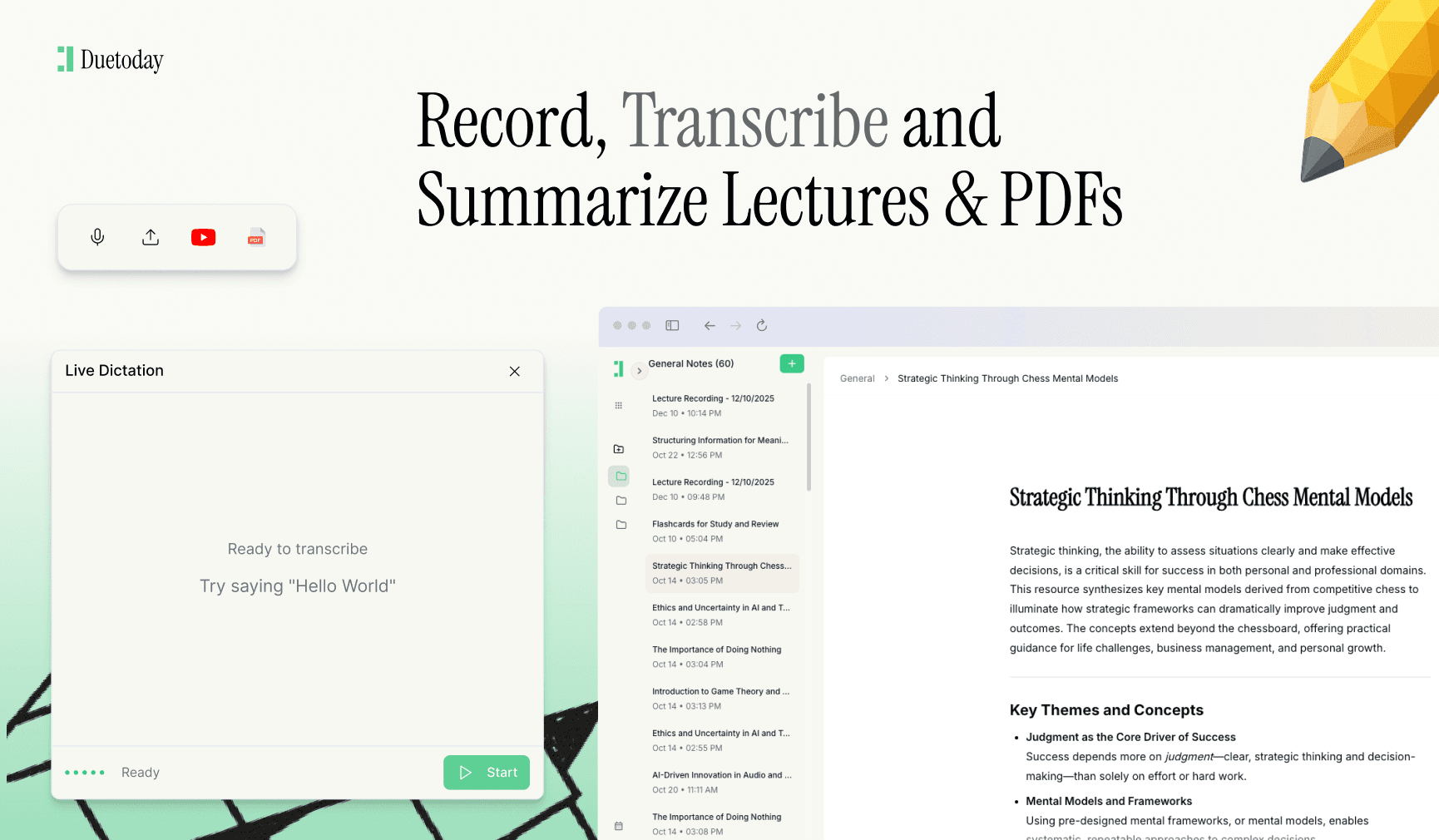
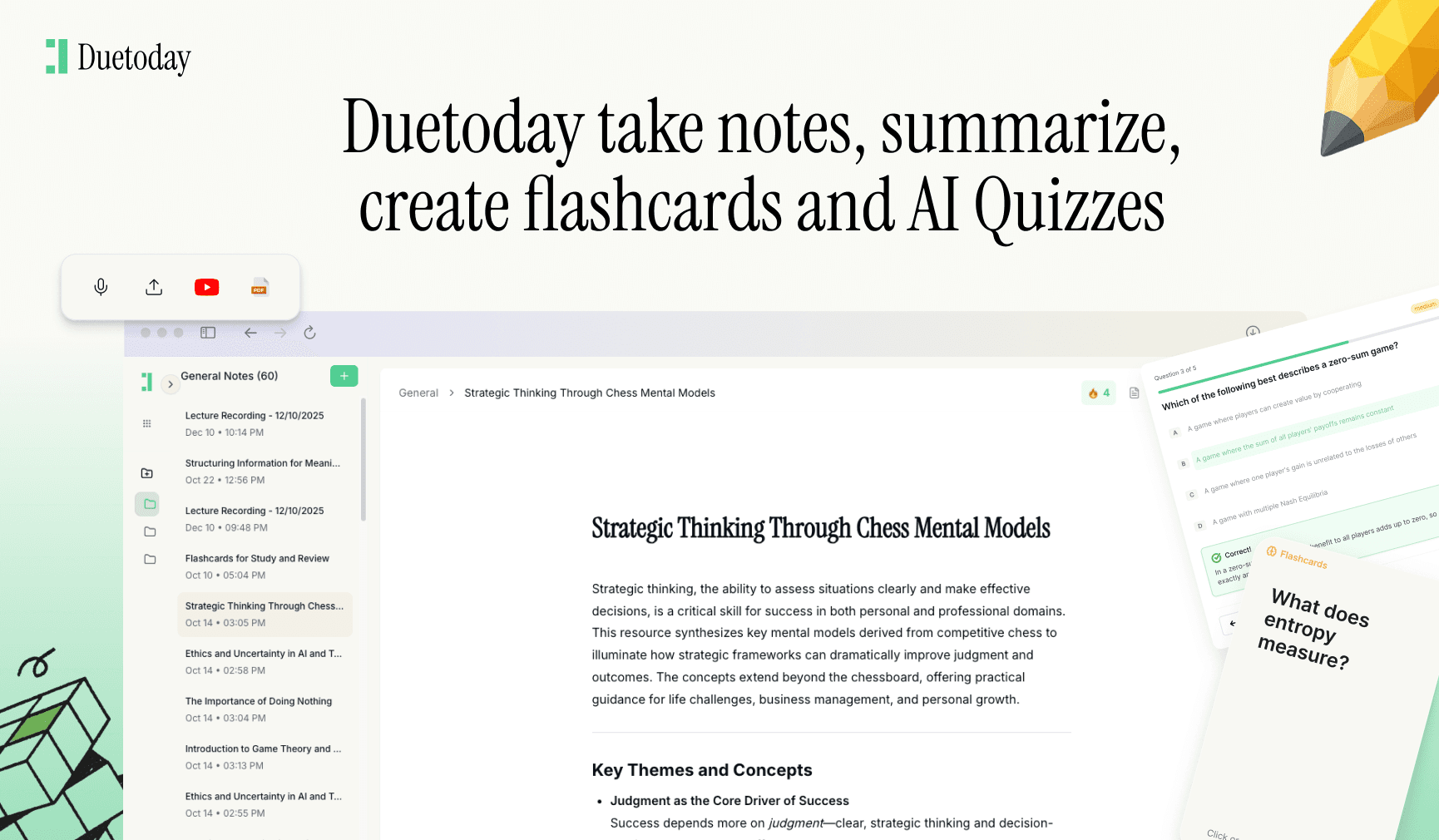
While you are busy perfecting your delivery and slide design, you might find yourself overwhelmed by the sheer volume of research and lecture notes you need to condense. This is where Duetoday AI becomes an essential part of your study routine. Duetoday is an AI-powered learning platform that turns lectures, PDFs, and notes into summaries, flashcards, quizzes, and structured study tools automatically. It acts like a personalized AI tutor, helping students learn faster and stay organized. Instead of spending hours manually rewriting your notes for your presentation, you can use Duetoday to extract the most important points and turn them into a structured format ready for your slides, ensuring you never miss a critical detail.
Design Principles for Maximum Impact
One of the golden rules of slide design is the 10/20/30 rule, though it can be adapted for academic settings. Ideally, you want to keep your slide count manageable and your font size large. A common pitfall is the wall of text. If your professor has to read a paragraph on your slide, they have stopped listening to you. Aim for one main idea per slide. Use high-resolution images and original charts instead of blurry clip art or generic stock photos. Visuals should supplement your words, providing a mental anchor for the information you are sharing verbally.
Consistency is the hallmark of a professional presentation. Choose a color palette and stick to it throughout the entire deck. Using the university’s official colors can often add a touch of formality that professors appreciate. Ensure that your margins are consistent and that your alignment is precise. Small details like centered text and evenly spaced icons might seem minor, but collectively they create a sense of polish that separates a mediocre presentation from an exceptional one. If you are presenting data, make sure your graphs are labeled clearly and are simple enough to be understood in less than ten seconds.
Mastering the Delivery and Q&A
Even the most beautiful slides cannot save a poorly delivered presentation. Practice your timing so you are not rushing through your final slides. Use the presenter notes feature to keep yourself on track, but never read directly from them. Maintain eye contact with both your professor and your peers. During the Q&A session at the end, jump back to specific slides to illustrate your answers. This shows that your slides were built with a purpose and that you have a deep understanding of the material. Being able to navigate your deck fluently demonstrates confidence and mastery of the subject matter.
Finally, always have a backup plan. Technical glitches are common in university classrooms. Save your presentation as a PDF in addition to the standard PowerPoint format to ensure that fonts and layouts remain intact regardless of the computer you use. Bring your files on a USB drive and email them to yourself. By being prepared for the worst-case scenario, you project an image of reliability and professionalism. When you combine rigorous academic research with clean, modern design and a confident delivery, you go beyond just fulfilling a rubric—you leave a lasting impression on your professors that can benefit your academic reputation for years to come.

What is the best font size for a university presentation?
Generally, your main body text should be at least 24 points, while headings should be 36 points or larger. This ensures that students at the back of the room and professors can read your content easily.
How many slides should I have for a 10-minute presentation?
A good rule of thumb is roughly one slide per minute. For a 10-minute talk, 8 to 12 slides is usually the sweet spot to ensure you don't rush or stay too long on one topic.
Should I use animations in my academic slides?
Use animations sparingly. Subtle fades to reveal bullet points can help focus the audience, but avoid flashy transitions or moving objects that distract from your actual research.
Can I use templates from Canva or PowerPoint?
Yes, templates are a great starting point. However, make sure to customize them so they don't look generic. Focus on keeping the design clean and relevant to your specific academic discipline.