Mastering the Art of the University Presentation

The Challenge of University Presentations
Standing in front of a lecture hall or a small seminar group can be one of the most nerve-wracking experiences of your university career. Whether it is a solo project or a group effort, the pressure to perform while being graded is real. However, a great presentation is not just about what you say, but how you structure your information and engage with your classmates. To succeed, you need to move beyond just reading off a screen and start connecting with your audience through clear storytelling and visual aids.
Building a Strong Foundation
Before you even open PowerPoint or Canva, you need to define your core message. What is the one thing you want your audience to remember when they leave the room? Start by outlining your main points on paper. A standard university presentation typically follows a simple structure: an introduction that hooks the audience, a middle section divided into three key arguments, and a conclusion that reinforces your findings. When you have a solid outline, the actual process of creating slides becomes significantly faster and more logical.
Designing Slides That Support You
One of the biggest mistakes students make is putting too much text on their slides. Your slides should complement your speech, not replace it. If your classmates are busy reading a wall of text, they aren't listening to you. Use high-quality images, simple diagrams, and bullet points that consist of only a few words. Keep your font sizes large enough for the person in the back of the room to read comfortably. A clean, minimalist design often looks more professional and is easier for the brain to process during a fast-paced lecture session.
Leveraging Duetoday AI for Better Research
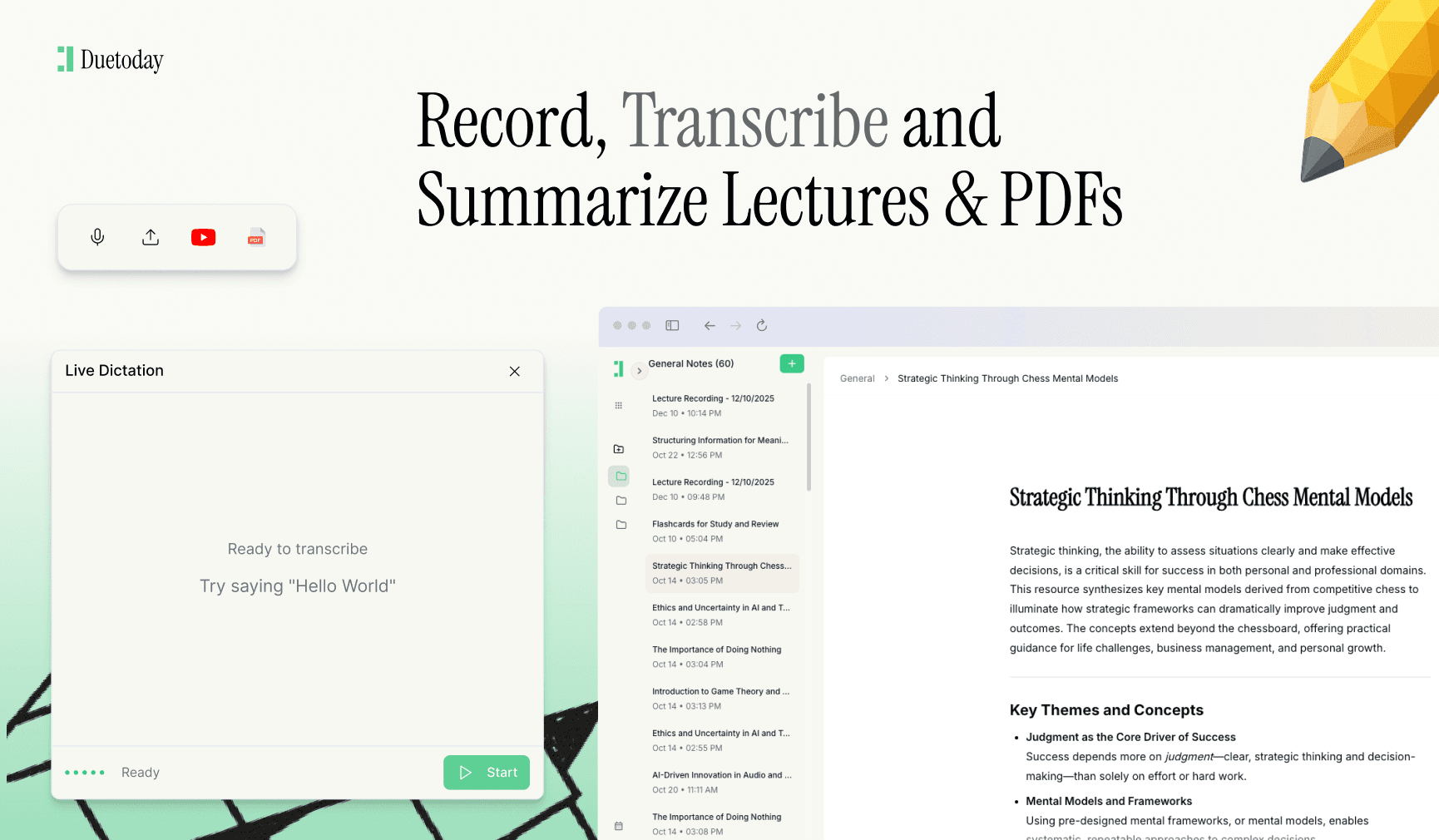
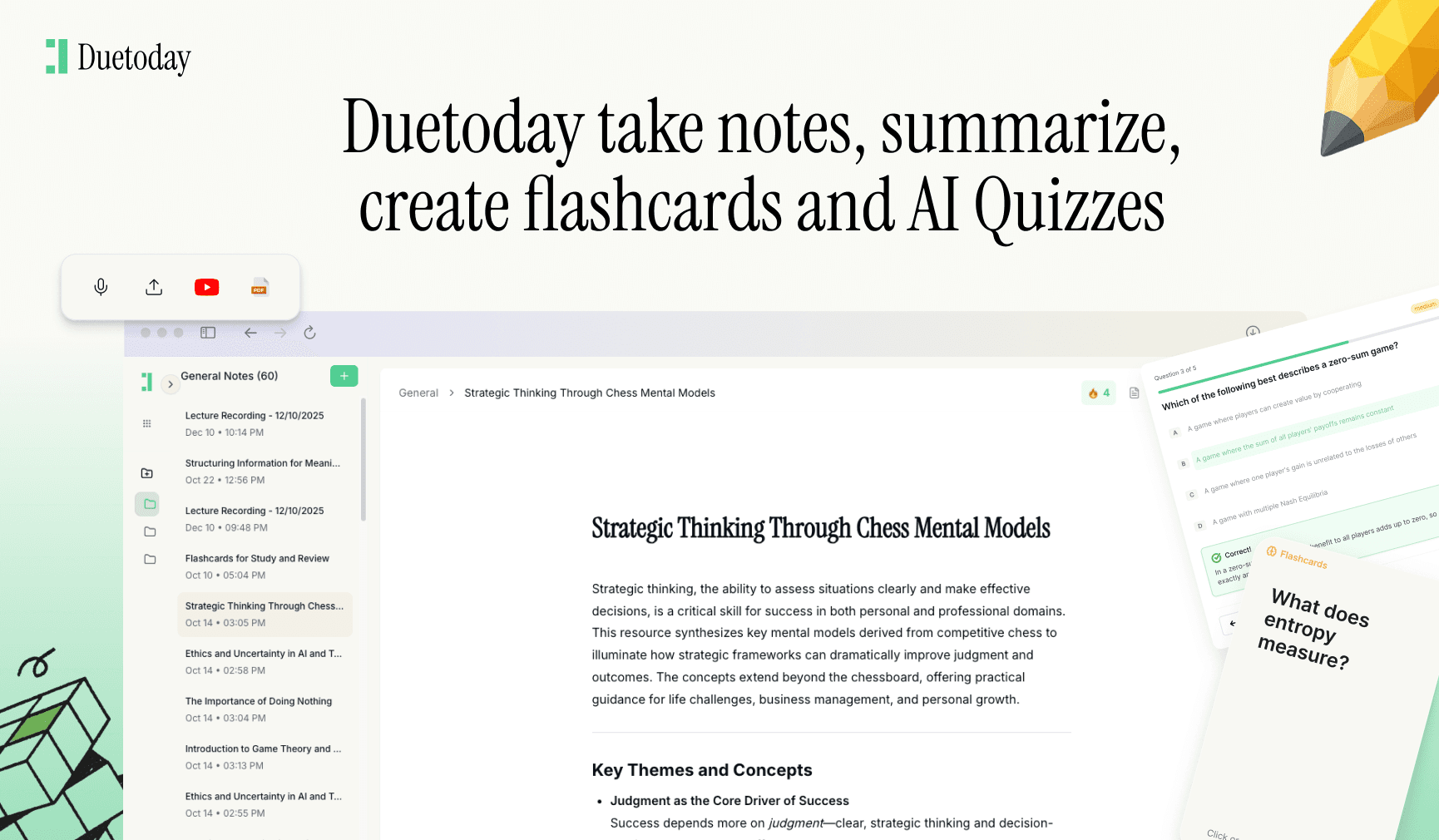
Preparing for a presentation requires a deep understanding of your topic, which often means sifting through hundreds of pages of lecture notes and PDFs. This is where Duetoday AI becomes your secret weapon. Duetoday is an AI-powered learning platform that turns lectures, PDFs, and notes into summaries, flashcards, quizzes, and structured study tools automatically. It acts like a personalized AI tutor, helping students learn faster and stay organized. By using it to synthesize your research, you can focus on your delivery instead of spending hours manually rewriting notes or trying to find that one specific quote from a week-three lecture.
Mastering Your Body Language
How you carry yourself says as much as the words coming out of your mouth. Aim for a confident stance with your feet shoulder-width apart. Avoid crossing your arms or hiding behind the podium, as this creates a barrier between you and the audience. Use natural hand gestures to emphasize points, and try to make eye contact with different sections of the room. If direct eye contact feels too intense, look at people's foreheads or the space just above their heads; from a distance, it looks exactly the same to the audience.
Practicing for Perfection
Consistency is key when it comes to public speaking. Once your slides are ready, practice your delivery at least three to five times. Record yourself on your phone or practice in front of a mirror to see where you might be stuttering or moving too quickly. Pay attention to your pacing; most people speak faster when they are nervous. Force yourself to take intentional pauses after important points to let the information sink in. This also gives you a moment to breathe and check your notes without it looking like a mistake.
Handling the Q&A Session
The question and answer portion is often the part students dread the most because it feels unpredictable. However, you can prepare for this by anticipating the likely questions your professor or peers might ask. If you don't know the answer to a question, do not panic. It is perfectly acceptable to say that it is an interesting point that you haven't fully explored in this specific research but would be happy to look into further. This shows academic honesty and confidence rather than trying to make up an answer on the spot.
Technological Troubleshooting
Always have a backup plan for your technology. USB drives can fail, and Wi-Fi in old university buildings can be spotty. Save your presentation in multiple formats, such as a PDF and a cloud-based link. If you are using videos or specific fonts, make sure they are embedded or saved locally. Arriving five minutes early to test the projector and the clicker can save you from a massive amount of stress once the clock starts ticking on your presentation slot.
Concluding with Impact
Your conclusion should be more than just a slide that says 'Any Questions?'. Summarize your key findings briefly and leave the audience with a final thought or a call to action. Whether it is a provocative question or a summary of why your research matters, make sure your final moments on stage are strong. A confident ending leaves a lasting impression on your markers and ensures that your hard work throughout the semester is recognized and rewarded effectively.

How do I stop being nervous during a presentation?
Focus on your breathing and remember that the audience wants you to do well. Practice helps build muscle memory, which reduces anxiety.
How many slides should a 10-minute presentation have?
A good rule of thumb is roughly one slide per minute, but this varies. Quality and simplicity are always better than quantity.
Should I read from a script?
Avoid reading word-for-word. Use cue cards with bullet points to prompt your memory while keeping your delivery natural and conversational.
What is the best way to handle group presentations?
Coordinate your transitions so each speaker introduces the next one. Ensure the visual style of all slides is consistent across the whole group.