How to Create an Interactive Quiz in a PDF (2025 Edition)

Studying from PDFs is still the reality for most university students. Lecture slides, research papers, textbooks, and shared notes almost always come as PDFs. The problem is that PDFs are passive. You scroll, highlight, maybe add a comment, and that is it. There is no interaction, no feedback, and no way to check if you actually understand the material.
This is where interactive quizzes inside PDFs change everything. Instead of just reading, you actively test yourself while studying. In this guide, you will learn how to create an interactive quiz in a PDF, why it works so well for learning, and how students are now using AI tools like Duetoday to turn any PDF into a powerful study experience.
What is an interactive quiz in a PDF?
An interactive quiz in a PDF is a document that allows you to answer questions directly inside the file. This can include clickable multiple-choice questions, fill-in-the-blank fields, or even links that jump to explanations. Unlike static PDFs, interactive quizzes force you to engage with the content instead of just consuming it.
For students, this means your study material becomes a self-testing tool. You do not need a separate quiz app or printed worksheets. Everything lives in one place.
Why interactive PDF quizzes are effective for studying
Most students read PDFs passively, especially when preparing for exams. The problem is that reading alone creates a false sense of confidence. You feel like you understand the topic until you try to recall it under exam conditions.
Interactive quizzes solve this by introducing active recall. Every question forces your brain to retrieve information, which strengthens memory and improves long-term retention. This is why quizzes consistently outperform rereading notes when it comes to exam performance.
For university students with limited time, this is one of the most efficient ways to study.
Traditional ways to create interactive quizzes in PDFs
Before AI tools existed, creating interactive quizzes in PDFs was possible but painful. Students or teachers usually relied on software like Adobe Acrobat to manually add form fields, checkboxes, and buttons.
The process typically involved writing questions separately, designing answer fields, linking responses, and testing everything manually. For long PDFs or multiple lectures, this quickly became unrealistic for students.
While this method still works, it requires technical knowledge, time, and patience. Most students give up before finishing the first quiz.
How AI changed interactive PDF quizzes
AI removed the hardest part of the process: creating the questions. Instead of manually reading a PDF and thinking about what to ask, AI can analyze the document and generate relevant quiz questions automatically.
Modern AI tools can understand structure, key concepts, definitions, and relationships inside a PDF. They generate questions that reflect what you are actually expected to know for exams.
This means students can now go from PDF to quiz in minutes instead of hours.
Step-by-step: how to create an interactive quiz from a PDF using AI
The general process is surprisingly simple, even if the tools behind it are advanced.
First, you upload your PDF. This could be lecture slides, a textbook chapter, or even messy notes shared by a friend.
Next, the AI reads and processes the content. It identifies important topics, headings, and repeated concepts. This step is crucial because it determines the quality of the questions.
Then, the AI generates quiz questions based on the material. These questions can range from basic definitions to concept-based understanding, depending on the tool and settings.
Finally, the quiz is presented in an interactive format. Some tools allow the quiz to live alongside the PDF, while others embed interactive elements directly or export a quiz-ready PDF.
This entire workflow is designed to fit into how students already study.
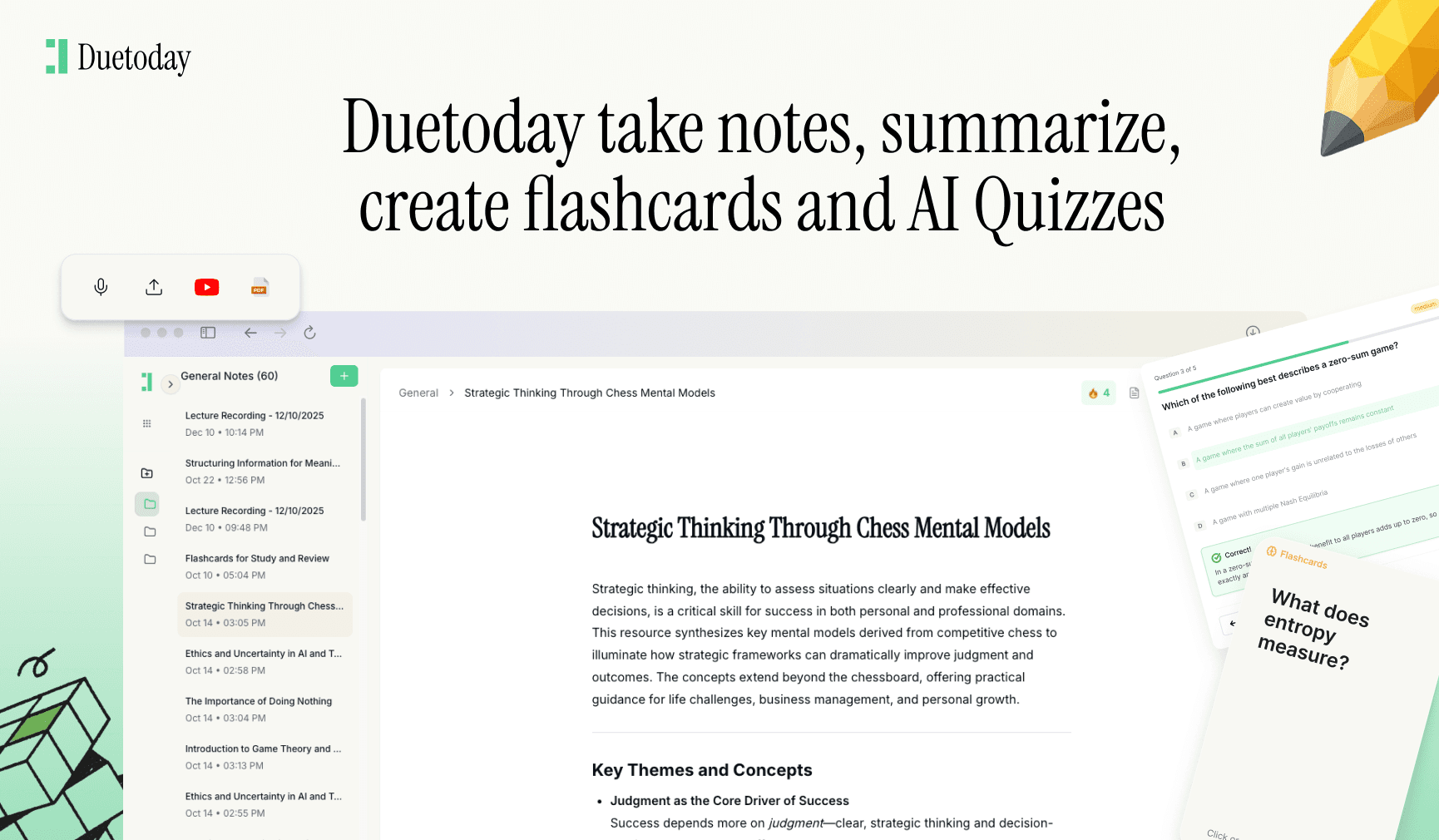
Creating interactive quizzes in PDFs with Duetoday AI
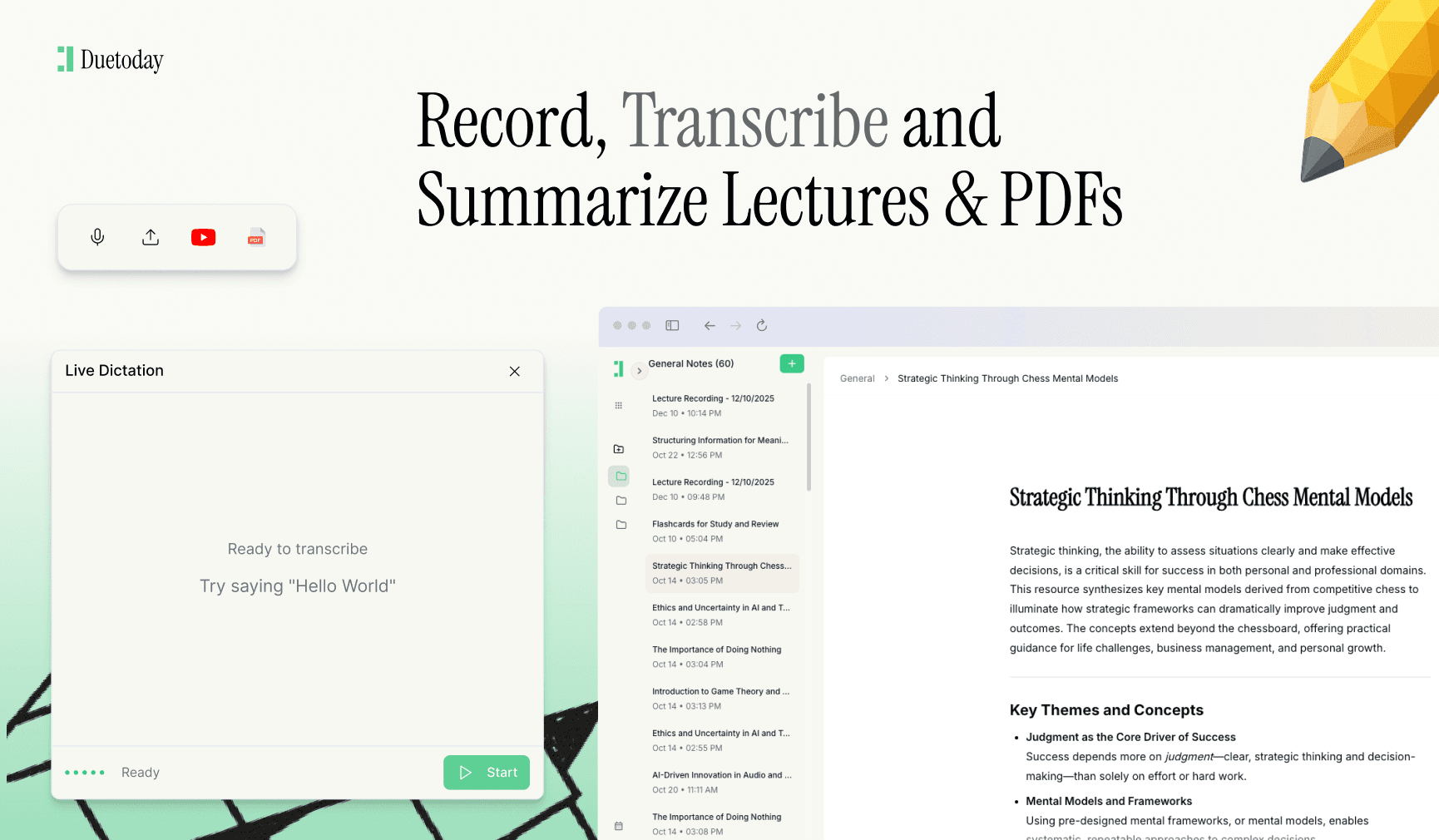
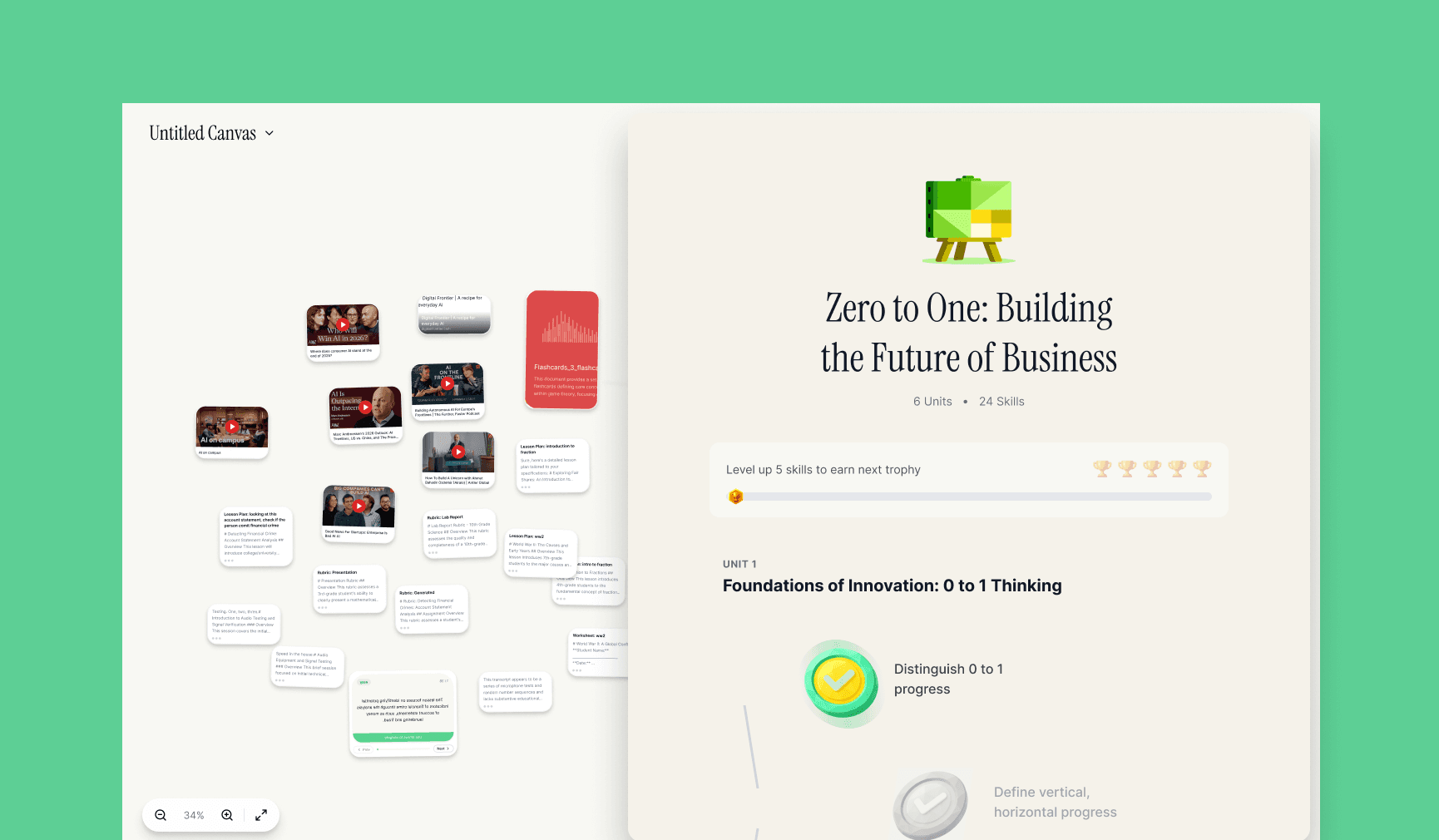
Duetoday AI takes this process a step further by focusing on real student workflows. Instead of treating quizzes as a separate feature, Duetoday connects PDFs, notes, recordings, and quizzes into one learning system.
When you upload a PDF into Duetoday, the AI does more than just read it. It understands the content in context with your other materials, such as lecture recordings or notes from the same class. From there, it can generate interactive quizzes that actually match what your professor emphasized.
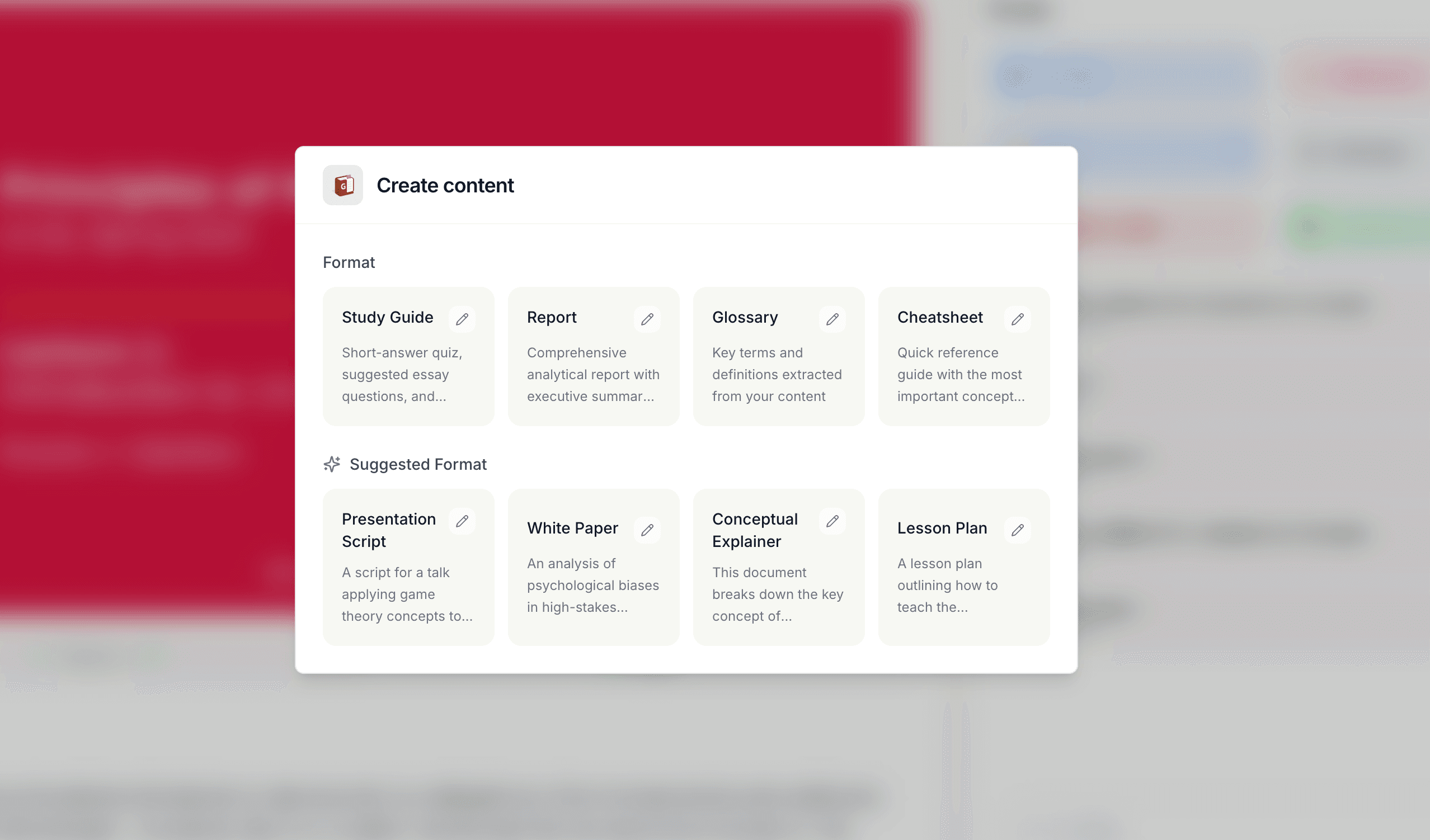
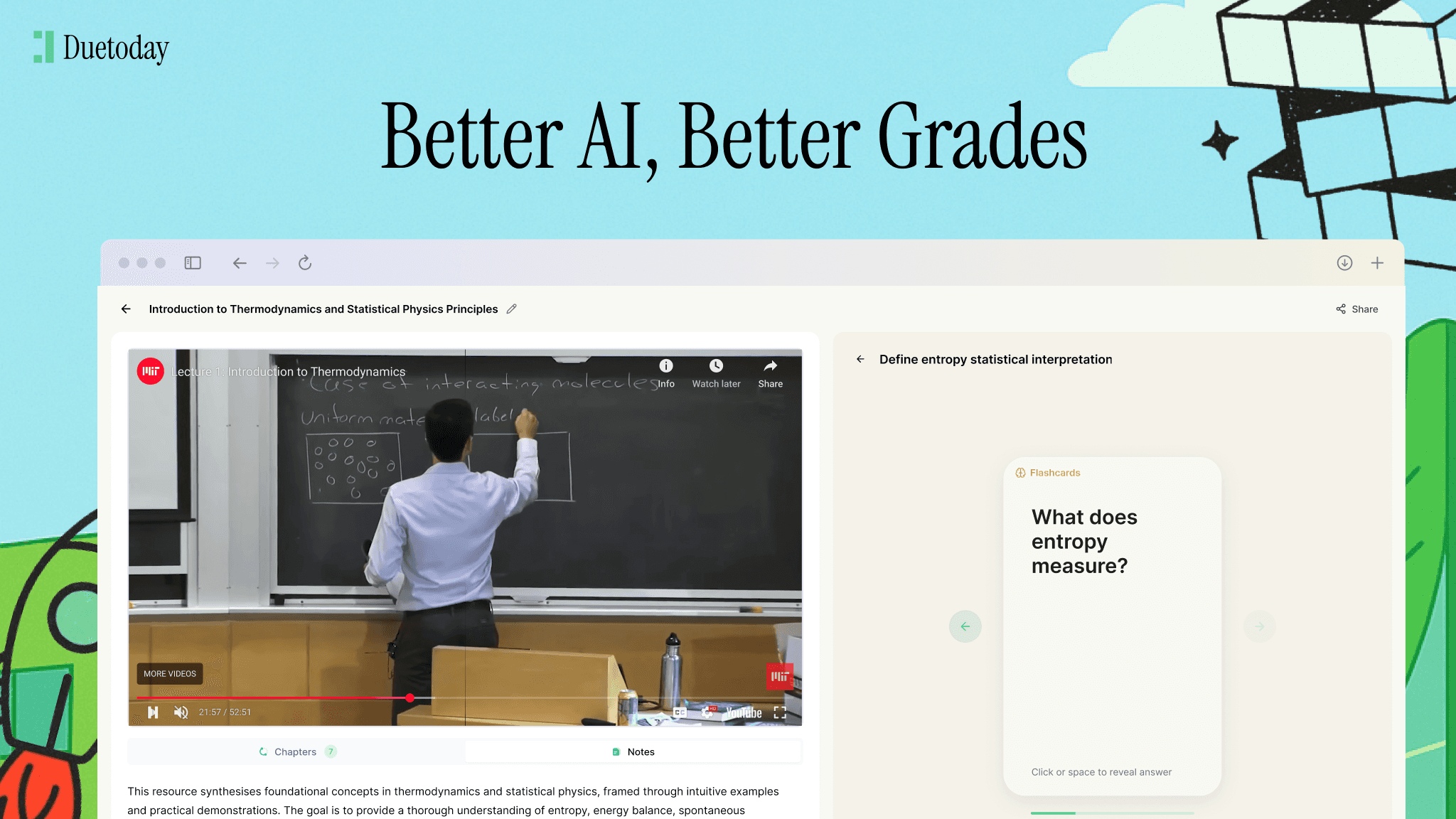
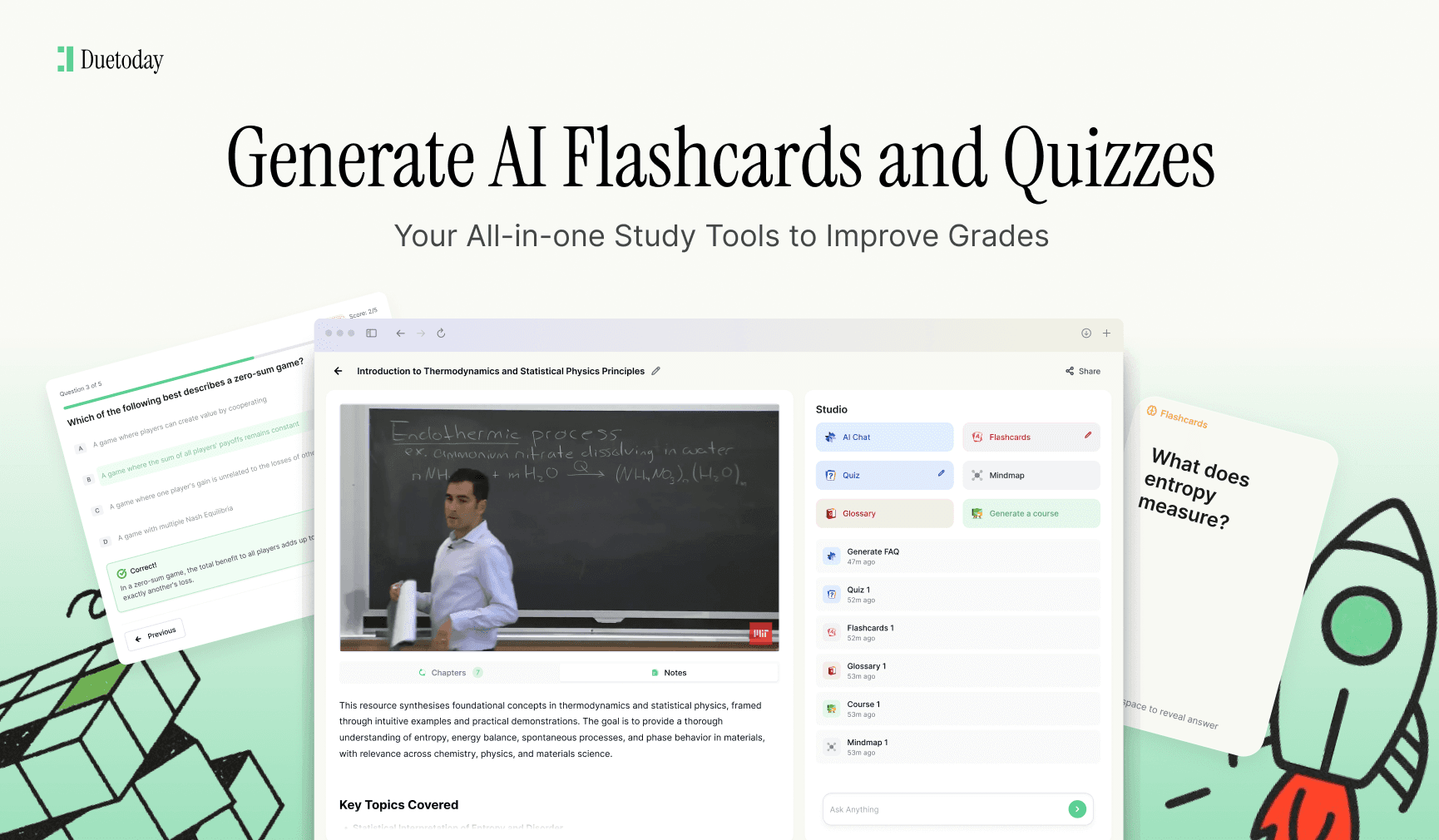
Duetoday is also an AI notepad that can record and transcribe lectures, turn them into structured notes and study guides, and even generate AI-powered PowerPoint slides from lectures or YouTube videos. On top of that, it includes interactive quiz generation, flashcards, and a built-in ChatGPT feature that lets you chat directly with your lectures and notes. This means if you get a quiz question wrong, you can immediately ask why and get a clear explanation. Students can try it out for free, which makes it easy to test without pressure.
What makes a good interactive PDF quiz
Not all quizzes are equal. A good interactive quiz does more than test surface-level facts.
Strong quizzes mix question types and focus on understanding, not just memorization. They challenge you to connect ideas, apply concepts, and recall information without prompts.
Feedback is also essential. Knowing whether an answer is right or wrong is helpful, but understanding why makes the difference. The best interactive quiz experiences guide you toward improvement instead of just scoring you.
Using interactive PDF quizzes for different subjects
Interactive quizzes work across almost every university subject, but they shine in different ways depending on the discipline.
For content-heavy courses like biology, medicine, law, and psychology, interactive quizzes help reinforce definitions, processes, and frameworks. They are ideal for revision before exams.
For technical subjects like engineering or computer science, quizzes can test conceptual understanding before you move on to problem-solving. They work best when paired with explanations and examples.
For humanities and social sciences, quizzes help you remember theories, authors, timelines, and key arguments, which strengthens essay writing later on.
Common mistakes students make with interactive quizzes
One mistake is treating quizzes as a one-time activity. The real power comes from repetition. Doing small quizzes regularly beats one long quiz the night before an exam.
Another mistake is focusing only on scores. If you rush through questions without reviewing explanations, you miss the learning opportunity.
Finally, some students rely on poorly generated quizzes that do not match their syllabus. This is why choosing the right AI tool matters.
Can interactive quizzes really live inside PDFs?
Technically, yes, but many modern tools take a hybrid approach. Instead of forcing everything into the PDF itself, they keep the PDF as the source and layer interactivity on top. This creates a smoother experience across devices and avoids compatibility issues.
For students, the result feels the same. You read your PDF and answer questions in context, without jumping between tools.
The future of studying with interactive PDFs
As AI continues to improve, interactive PDFs will become smarter. Quizzes will adapt to your performance, focus on weak areas, and even predict exam questions based on past patterns.
For students, this means studying becomes more personalized and less stressful. Instead of guessing what to revise, you get guided feedback that tells you exactly where to focus.
Interactive quizzes are no longer a bonus feature. They are quickly becoming a core part of modern learning.
Can I create an interactive quiz from any PDF?
Yes, most AI tools can handle lecture slides, textbooks, research papers, and notes, even if the PDF is long or unstructured.
Do I need design skills to make interactive PDF quizzes?
No, AI-based tools remove the need for manual design or technical setup. You simply upload your PDF and generate quizzes automatically.
Are interactive PDF quizzes good for exam revision?
They are one of the most effective revision methods because they use active recall, which improves memory and exam performance.
Can I use interactive quizzes on mobile devices?
Most modern platforms support mobile-friendly quizzes, making it easy to study anywhere.
Is Duetoday suitable for university students?
Yes, Duetoday is built specifically for students and supports PDFs, lecture recordings, quizzes, flashcards, and interactive learning in one place.