How to Use Notion for University: The Ultimate Student Guide

Getting Started with Notion for University
Stepping into a university lecture hall for the first time can be overwhelming. Between juggling complex course schedules, endless reading lists, and extracurricular commitments, staying organized is often the difference between burnout and success. Notion has emerged as the go-to workspace for students globally because it combines notes, tasks, and databases into one sleek interface. Unlike traditional notebooks, Notion allows you to build a digital brain that grows with your academic career.
To start your journey, you first need to understand the architecture of the app. Notion operates on blocks. Whether it is a line of text, an image, or a database, everything is a block that you can move around. This flexibility is why students love it; you are not confined to a linear document. You can create a dashboard that shows your upcoming deadlines right next to your lecture notes for the week. For a university student, the first step is always setting up a Central Hub or a Student Dashboard where all your course pages live.
Building Your Academic Dashboard
Your academic dashboard is your command center. Think of it as the home screen of your university life. On this page, you should include links to each of your current modules, a master assignment tracker, and a quick-links section for resources like the university library portal or your email. Using the Gallery view for your subjects makes the dashboard visually appealing and easy to navigate on both desktop and mobile.
A critical component of this dashboard is the Master Assignment Tracker. Instead of having separate lists for different subjects, a single database allows you to see everything due this week across all your classes. By using properties like Date, Status, and Priority, you can filter your view to show only what is urgent. This high-level oversight prevents those late-night realizations that a paper is due in twelve hours. It keeps your stress levels low and your productivity high.
Effective Note-Taking Strategies
Taking notes in university is not just about transcribing what the professor says; it is about synthesizing information. Notion provides several tools to help with this, most notably the Toggle feature. Toggles allow you to hide information under a heading, which is perfect for active recall. You can write a question as the toggle title and the answer inside, effectively turning your notes into a built-in study tool as you write them.
Another effective method is the Cornell Note-Taking system. You can easily replicate this in Notion by using columns. Place your main notes in a wide right column and your cues or keywords in a narrow left column. At the bottom, create a summary block. Because Notion is digital, you can drag and drop images from lecture slides or embed YouTube videos that explain difficult concepts directly into your notes page.
Integrating Duetoday AI for Maximum Efficiency
While Notion is incredible for organizing and storing your knowledge, sometimes the sheer volume of university material is too much to handle manually. This is where Duetoday AI becomes your secret weapon.
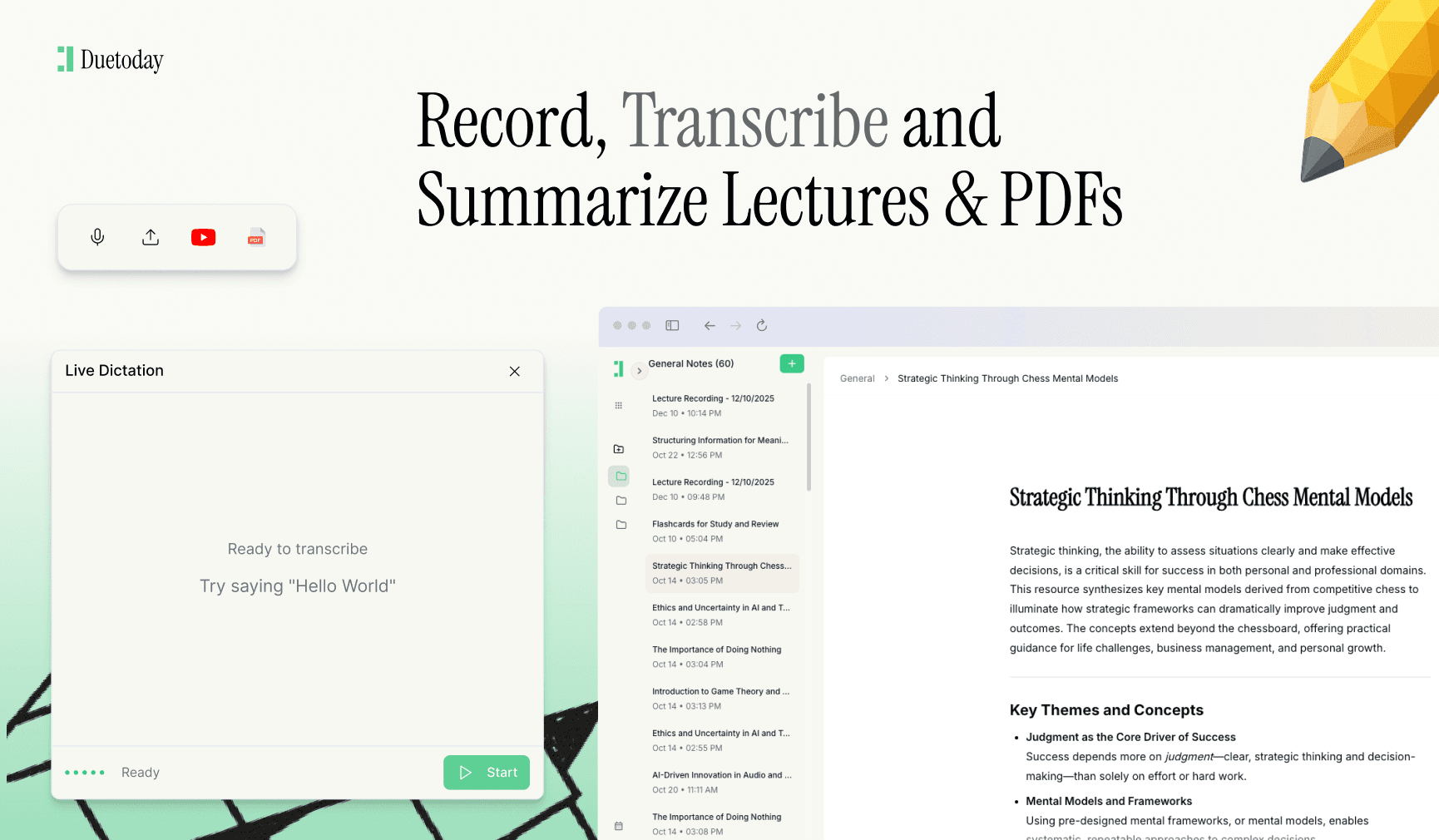
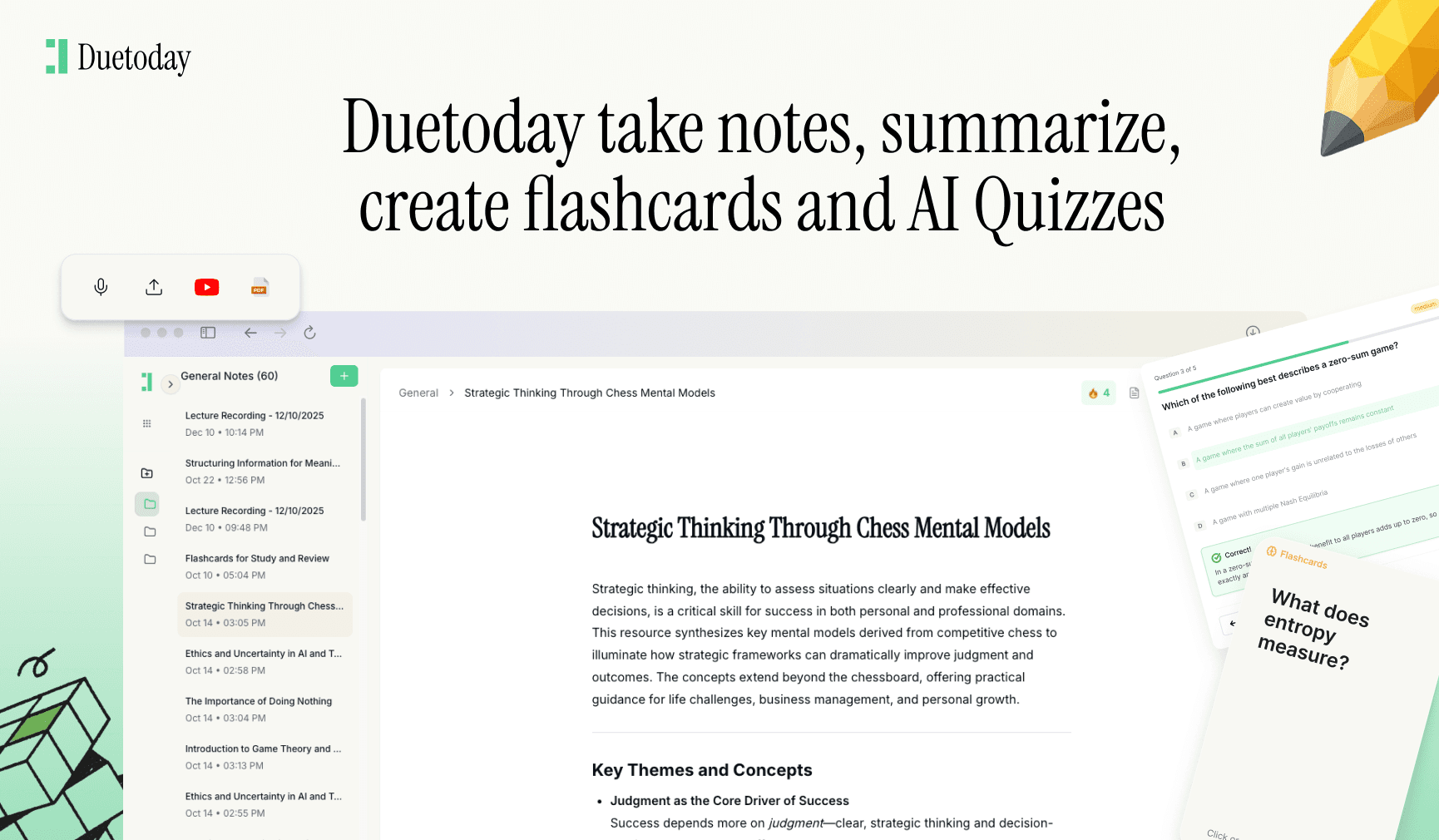
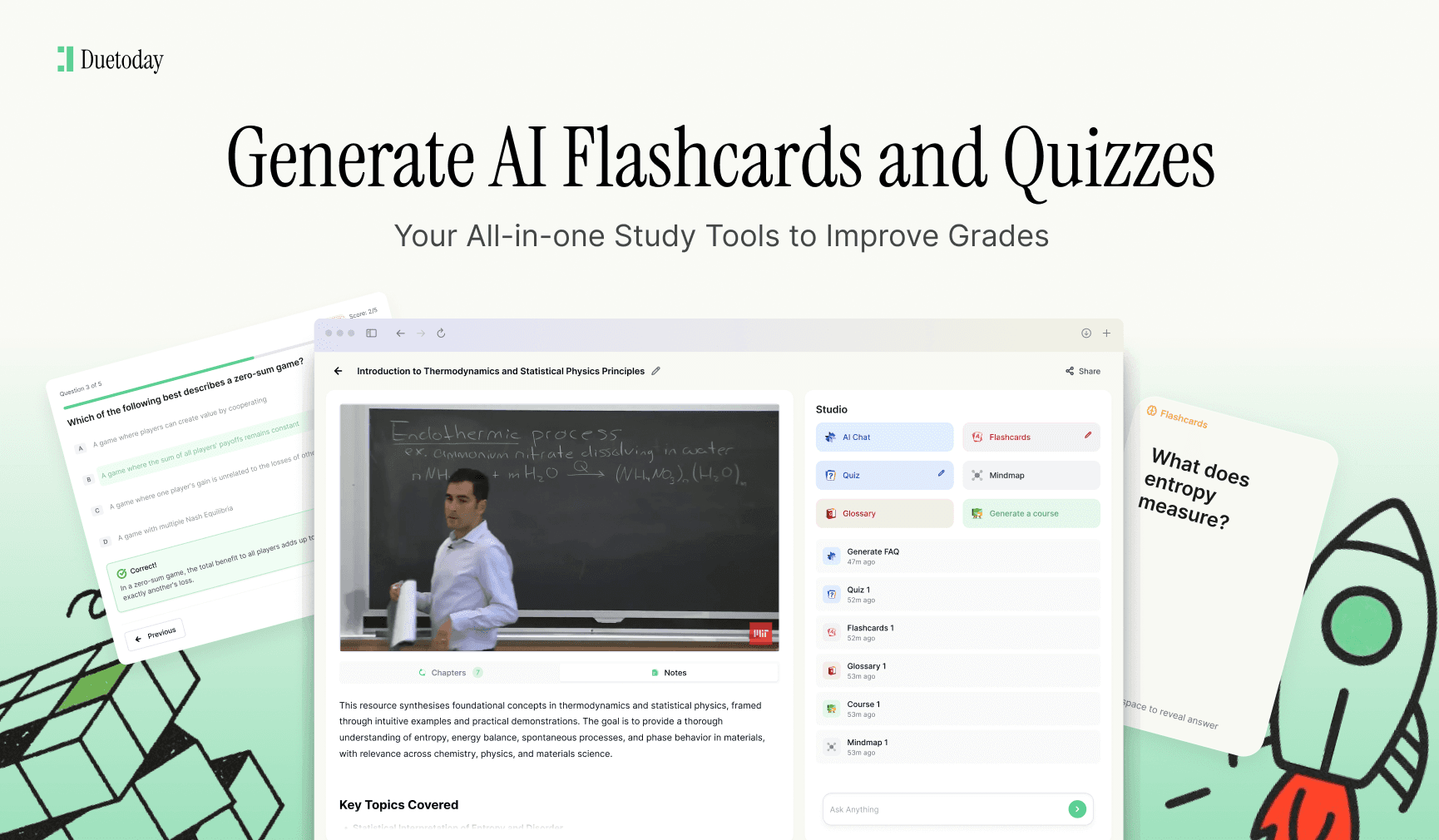
Duetoday is an AI-powered learning platform that turns lectures, PDFs, and notes into summaries, flashcards, quizzes, and structured study tools automatically. It acts like a personalized AI tutor helping students learn faster, stay organized, and retain information without spending hours rewriting notes.
You can take the detailed notes you have gathered in Notion and feed them into Duetoday to instantly generate study materials, bridging the gap between organization and actual memory retention.
Mastering Databases for Course Management
The real power of Notion lies in its databases. For university students, the Relation and Rollup properties are game-changers. You can create a database for your ‘Sources’ or ‘Reading List’ and relate it to your ‘Assignments’ database. This means when you are writing an essay, you can see every book and article you have tagged for that specific topic right within the assignment page. No more hunting through browser bookmarks or physical piles of paper.
Furthermore, using the Calendar view for your master schedule helps you visualize your semester. You can see when the heavy weeks are coming—those dreaded periods where three finals and two projects collide. By planning your study blocks in Notion weeks in advance, you can distribute the workload evenly. The ability to switch between Table, Board, and Calendar views means you can look at your data in whatever way makes the most sense for your current task.
Staying Consistent Throughout the Semester
The biggest mistake students make with Notion is over-complicating their setup early on. You do not need a complex aesthetic with dozens of widgets to get an A. Start simple with a few pages and build as you go. Focus on the utility of your workspace. Does it help you find information faster? Does it remind you of deadlines? If the answer is yes, you are using it correctly. Over time, you can add more advanced features like habit trackers for your morning routine or a budget tracker to manage your student loan.
Remember that your Notion workspace is a living document. At the end of every week, take ten minutes to clear out your inbox, update your assignment statuses, and plan for the week ahead. This weekly review ensures that your system remains a help rather than a hindrance. By the time finals week rolls around, you will have a comprehensive, searchable, and organized vault of everything you have learned, making revision a breeze rather than a nightmare.
Is Notion free for university students?
Yes, Notion offers a Personal Pro Plan for free to students and educators with a valid university email address, allowing for unlimited file uploads and version history.
Can I use Notion offline during lectures?
Notion has limited offline capabilities. It is best to have the pages you need already open, but for a seamless experience, a stable internet connection is recommended.
How do I find university templates for Notion?
You can find templates in the Notion Template Gallery or through various student communities online. Many students share their setups for free or for a small fee.
Is Notion better than Evernote or OneNote?
Notion is generally preferred by students who want an all-in-one workspace with databases and project management, whereas OneNote is better for handwriting with a stylus.