How to Use Google Calendar for Study Planning
Getting Started with Google Calendar for University
University life can feel like a constant juggle between lectures, assignments, and a social life that often gets pushed to the side. Most students struggle with time management not because they lack discipline, but because they lack a visual system that tracks their obligations in real-time. Google Calendar is arguably the most powerful free tool available to students globally, offering a level of flexibility that physical planners simply cannot match. By treating your calendar as a living document of your academic career, you can reduce stress and ensure that no deadline ever catches you off guard.
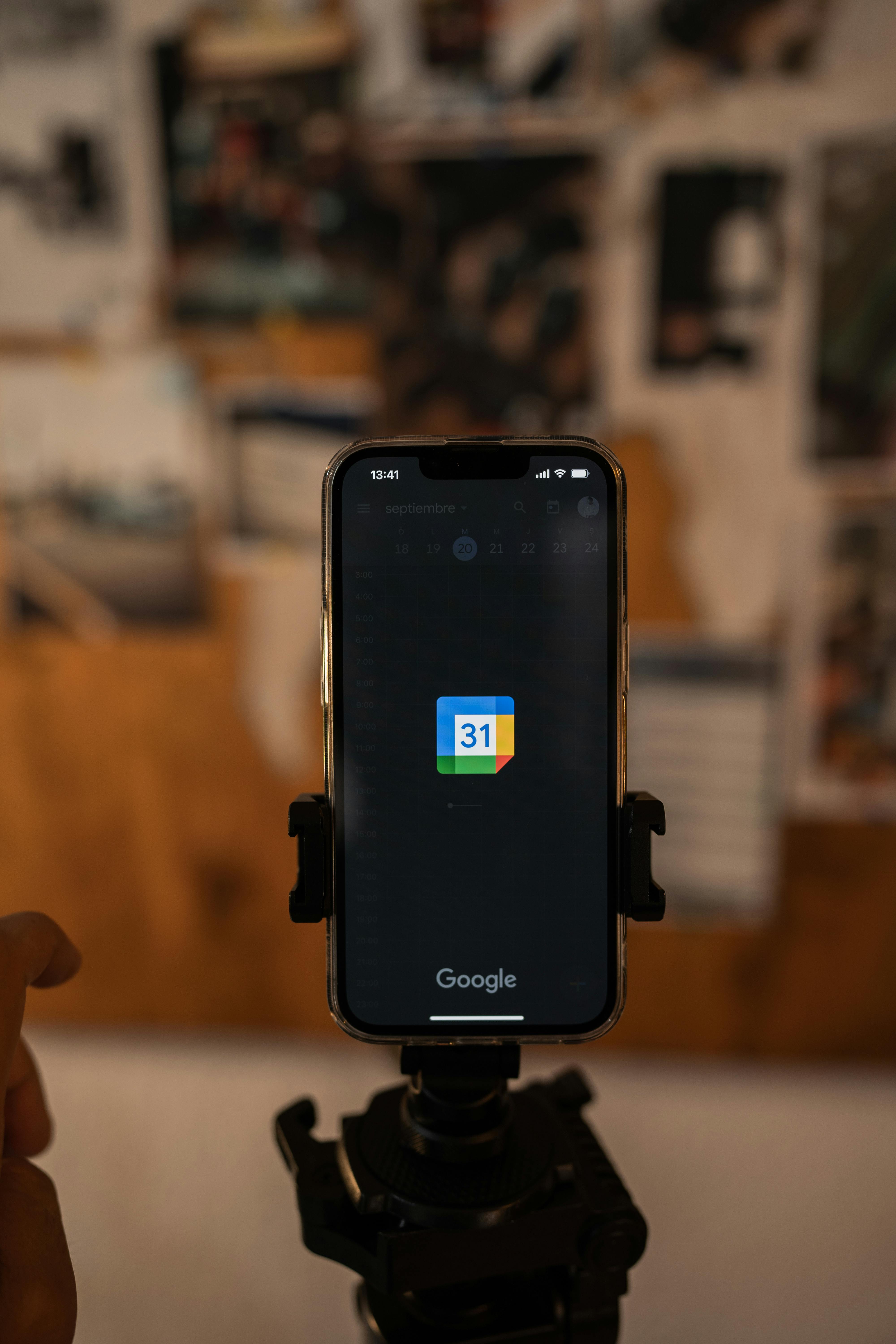
To begin, you need to treat your Google Calendar as more than just a place to log your classes. It should be the central hub for your entire life. Start by creating separate color-coded calendars for different areas of your life: one for lectures, one for study sessions, one for personal errands, and another for social events. This visual segmentation allows you to see exactly where your time is going at a single glance. If your week is looking overwhelmingly blue, you know you have too many lectures; if it is mostly red, you might be over-indexing on social activities.
Mastering the Art of Time Blocking
Time blocking is the secret weapon of high-achieving university students. Instead of simply making a to-do list, you assign a specific block of time in your calendar for a specific task. For example, rather than writing 'study for biology,' you would create a calendar event from 2:00 PM to 4:00 PM labeled 'Review Biology Chapter 4.' This creates a psychological commitment to the task. When the notification pops up on your phone, you are no longer deciding what to do; you are simply following your pre-set plan. This eliminates decision fatigue and prevents the procrastination that often stems from not knowing where to start.
While traditional scheduling focuses on when things happen, smart study planning focuses on how you feel during those times. Are you a morning person or a night owl? Use Google Calendar to protect your 'golden hours.' If you work best at 10:00 AM, that is when your most difficult study blocks should be placed. Leave the mundane tasks, like checking emails or organizing folders, for your afternoon slump. By aligning your calendar with your energy levels, you become significantly more productive without actually working more hours.
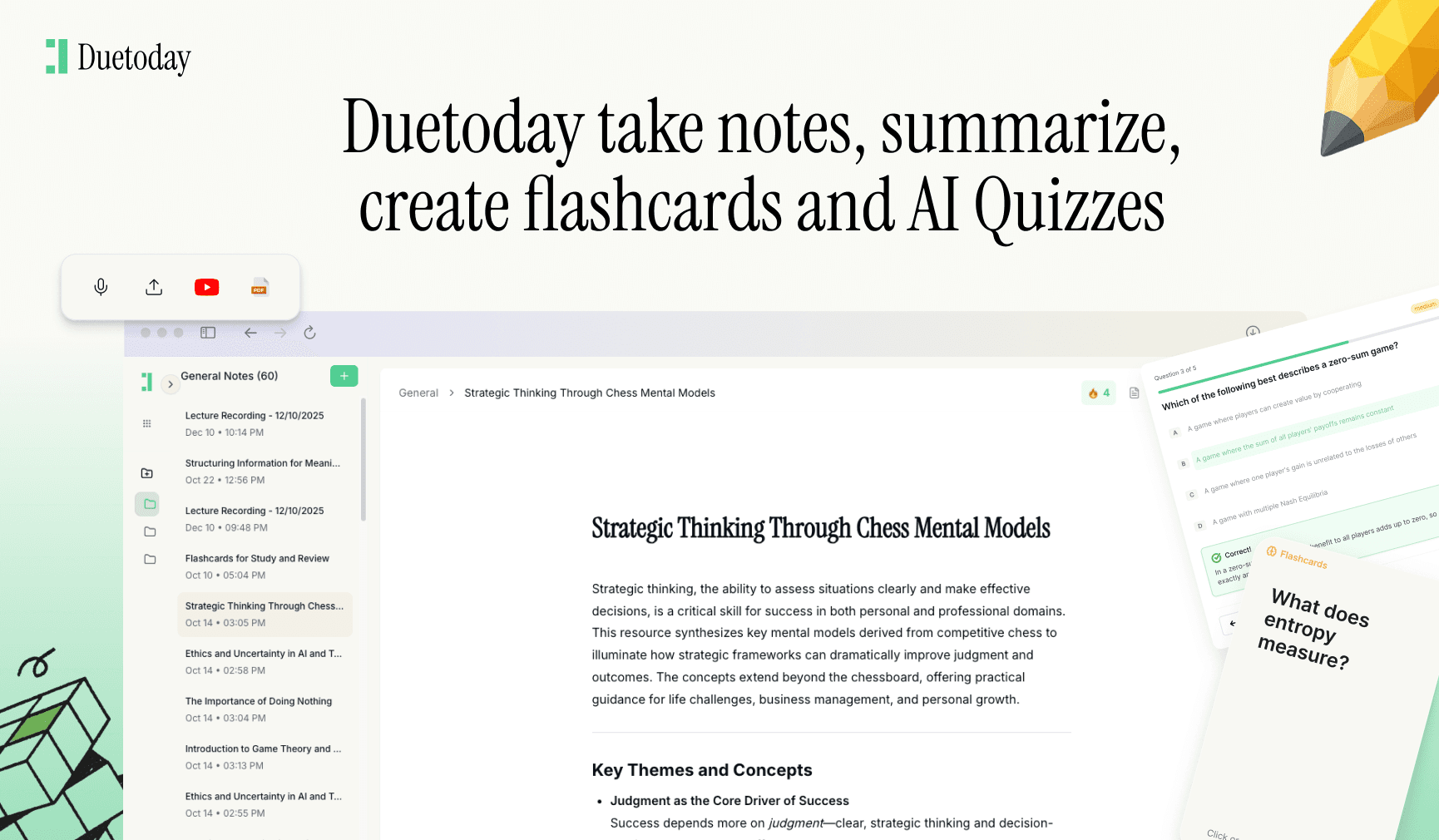
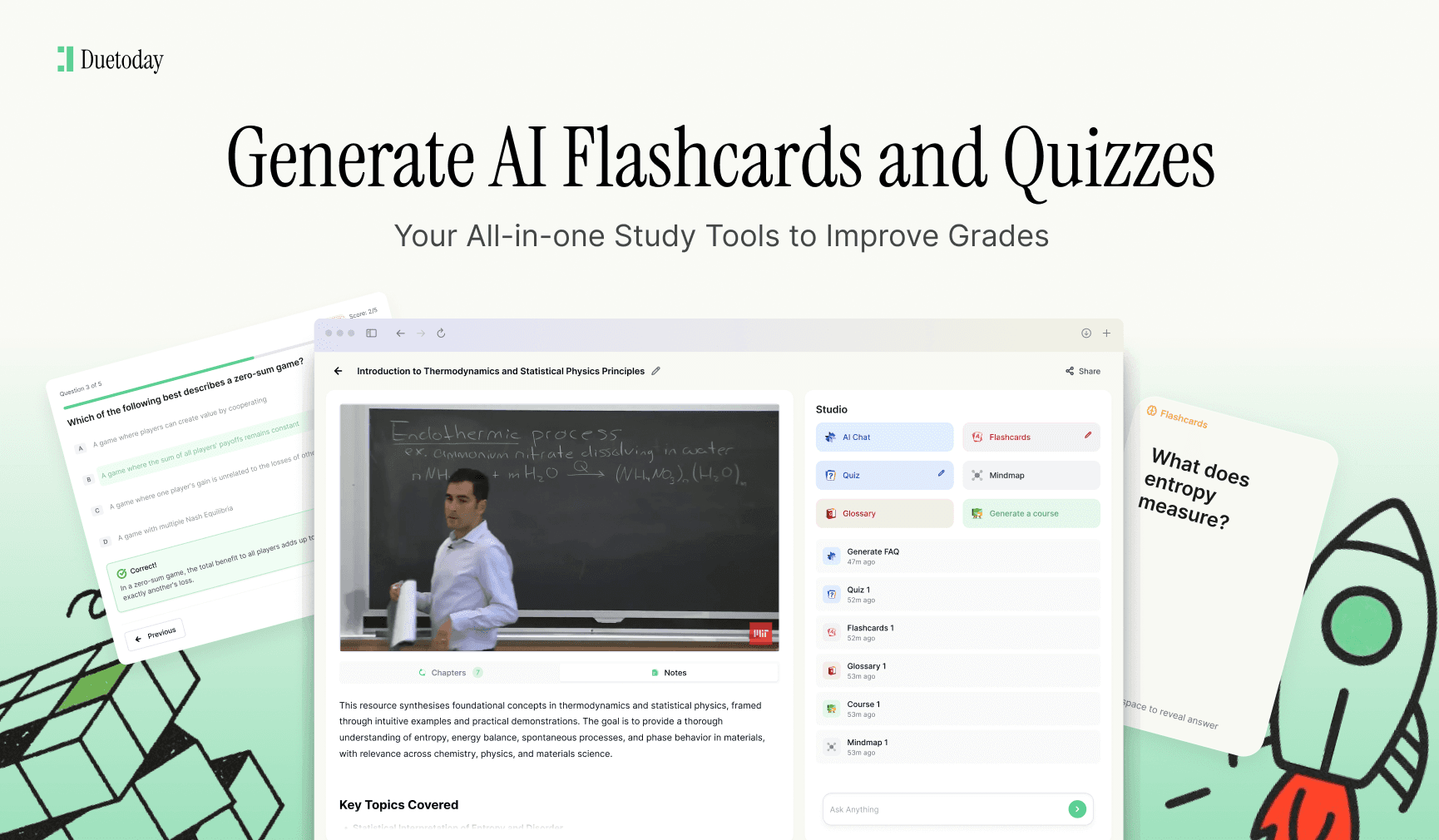
To take your efficiency to the next level, you need a tool that bridges the gap between your schedule and your study materials. This is where Duetoday AI comes into play. Duetoday is an AI-powered learning platform that turns lectures, PDFs, and notes into summaries, flashcards, quizzes, and structured study tools automatically. It acts like a personalized AI tutor, helping students learn faster and stay organized. By using Duetoday to process your course content, you can spend less time creating materials and more time actually following the study blocks you have set up in your Google Calendar.
Setting Up Recurring Tasks and Deadlines
Consistency is the foundation of academic success. Use the recurring event feature in Google Calendar to set up your weekly rhythm. This includes your lectures, recurring club meetings, and even your weekly meal prep or gym sessions. Once these non-negotiables are in the calendar, the remaining white space becomes your actual available study time. It is much easier to be realistic about your workload when you see that a 'free' day is actually interrupted by three different one-hour gaps that are hard to use for deep work.
Don't just put study sessions in your calendar; put your deadlines in there too. I recommend creating an 'All-Day' event for every major assignment deadline and setting a notification for one week and three days prior. This gives you a countdown that prevents the 'night-before' panic. You can even attach your assignment brief directly to the calendar event. This way, when your study block begins, you don't waste ten minutes searching through your university portal for the instructions.
Syncing and Mobile Optimization
One of the biggest advantages of Google Calendar is its ability to sync across all your devices. Ensure you have the app installed on your phone with widgets enabled on your home screen. Seeing your next three events every time you unlock your phone keeps you accountable. Additionally, you can sync your university's official timetable with Google Calendar via an iCal link. This means if a professor changes a lecture room or cancels a class, the update often flows directly into your personal calendar without you needing to lift a finger.
Finally, remember to build in 'buffer time.' No one can study for eight hours straight without burning out. Use your calendar to schedule breaks, walks, and meals. A study plan that doesn't account for human needs is a plan that will be ignored by Tuesday morning. By treating your downtime with the same level of respect as your study time, you create a sustainable routine that will carry you through the entire semester, right up to your final exams.
Can I share my study calendar with my classmates?
Yes, you can share specific calendars with friends by going to settings and entering their email. This is perfect for coordinating group study sessions or project meetings.
How do I avoid overcomplicating my calendar?
Start small with just your classes and top-level deadlines. As you get comfortable, begin adding specific study blocks. If it feels too cluttered, use the toggle on the left to hide specific categories.
What is the best way to handle rescheduled exams?
Simply drag and drop the event to the new time. Google Calendar will automatically adjust your notifications, ensuring you are still alerted at the right intervals before the new time.
Can Google Calendar work offline?
The Google Calendar mobile app allows you to view and edit your schedule without an internet connection. Changes will sync once you are back online.