How to Turn YouTube Videos into Study Notes
Why YouTube is Your Best Study Companion
University life often feels like a race against time. Between back-to-back lectures, social commitments, and that ever-growing pile of research papers, finding efficient ways to study is essential. YouTube has transformed from a simple video platform into one of the most powerful educational resources on the planet. Whether you are struggling with organic chemistry, trying to understand macroeconomic theories, or learning a new coding language, there is a high-quality video out there that explains it perfectly.
However, simply watching a video is rarely enough to ace an exam. Active learning requires you to process that information and translate it into something you can review later. Turning long-form video content into structured notes is the bridge between passive watching and active mastery. In this guide, we will explore the best strategies to capture every important detail from a video without spending twice the video's length on manual typing.
Setting the Scene for Productive Note-Taking
Before you even hit play, you need a system. The biggest mistake students make is trying to transcribe every word the speaker says. This is not only exhausting but also ineffective for memory retention. Instead, you should focus on the main concepts. Start by opening a digital document or a dedicated notebook. Organize your workspace by having the video on one half of your screen and your note-taking app on the other. This split-screen method minimizes the friction of switching tabs and keeps you focused on the visual cues provided in the video, such as diagrams or bullet points on a slide deck.
Using technological shortcuts can significantly speed up this process. Most educational videos include transcripts. By clicking the three dots below a video and selecting Show Transcript, you can quickly scan for keywords. This allows you to jump directly to the most relevant sections of a lecture, saving you from sitting through long introductions or irrelevant anecdotes. Combining these manual shortcuts with modern tools makes the process of converting video to text seamless.
The Power of Automatic Study Tools
While manual methods work, they are often too slow for a busy student schedule. This is where automation becomes a lifesaver.
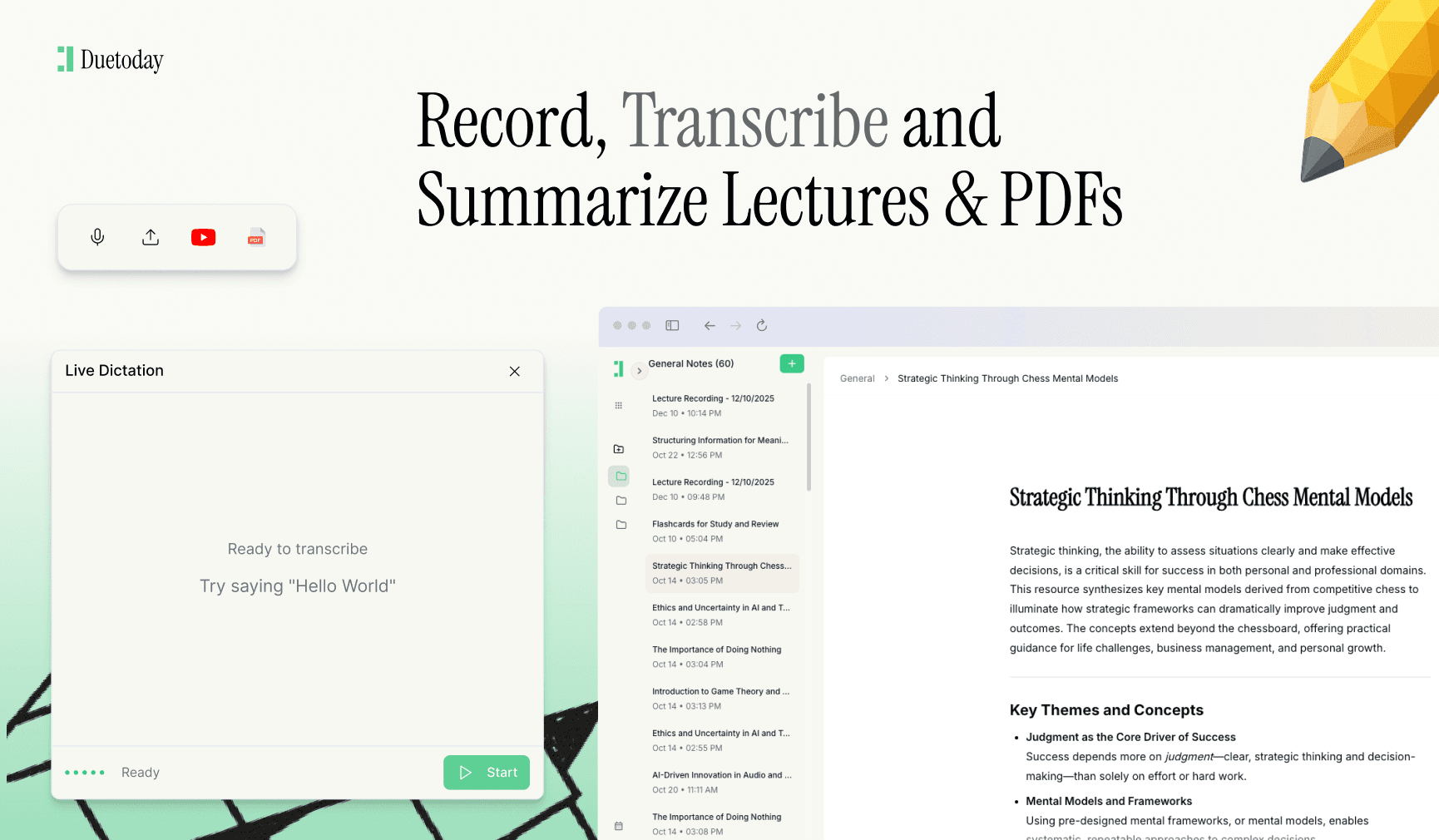
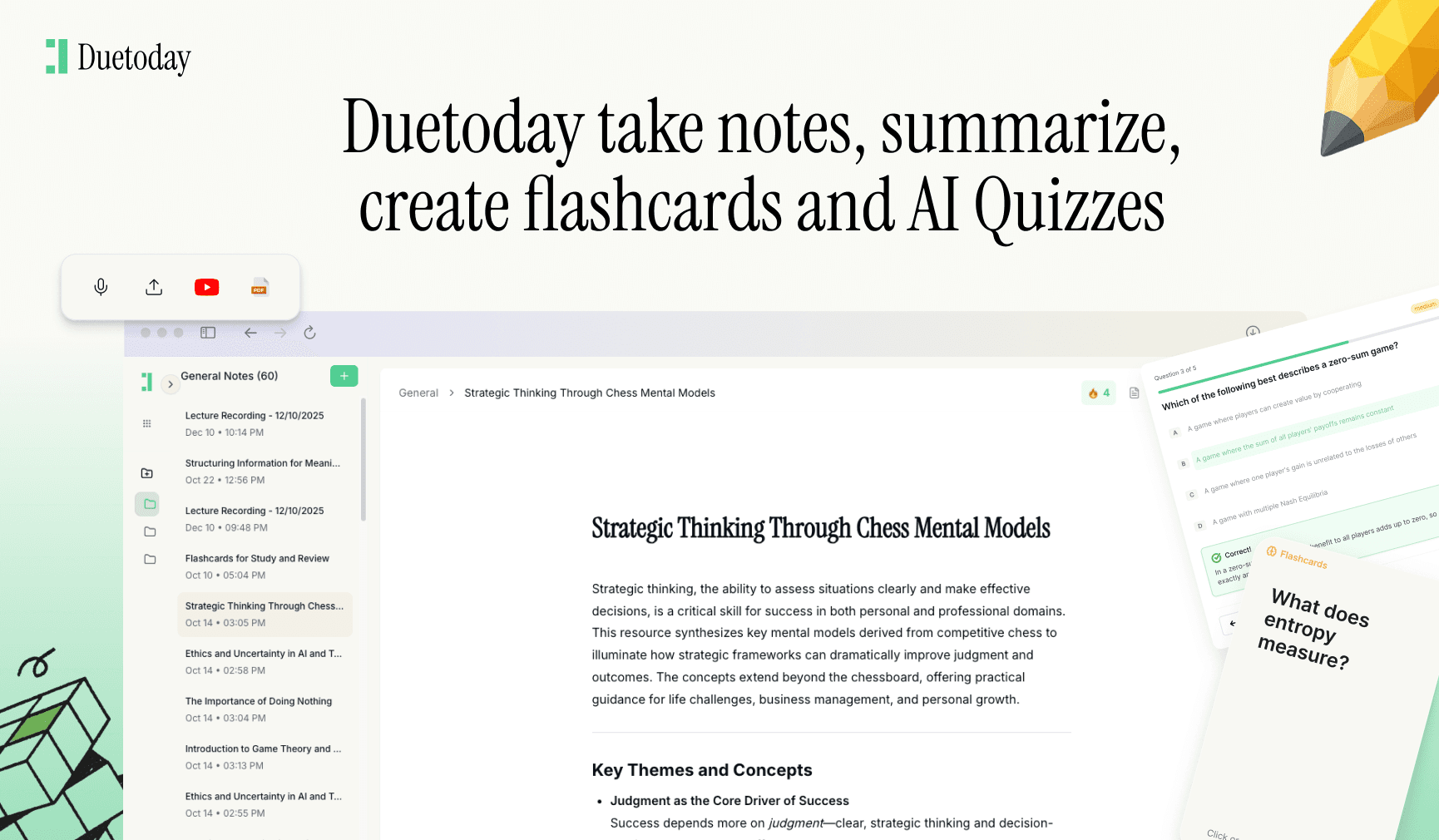
Tools like Duetoday AI are specifically designed to bridge the gap between media consumption and active studying. Duetoday is an AI-powered learning platform that turns lectures, PDFs, and notes into summaries, flashcards, quizzes, and structured study tools automatically. It acts like a personalized AI tutor helping students learn faster, stay organized, and retain information without spending hours rewriting notes from scratch. By using a platform like this, you can focus on understanding the material rather than the tedious act of formatting points and sub-points.
Advanced Techniques for Video Synthesis
If you prefer a more hands-on approach, the Cornell Note-Taking System is highly effective for video content. Divide your page into three sections: a narrow left column for cues and keywords, a wide right column for the actual notes, and a bottom section for a summary. As the video plays, jot down the main ideas in the right column. After the video ends, spend five minutes filling in the left column with questions or headings that summarize the notes. Finally, write a brief summary at the bottom. This method forces your brain to synthesize the information twice, which drastically improves long-term recall.
Another pro-tip for university students is to utilize timestamps. When you come across a particularly difficult concept or an expert explanation of a formula, note the exact second it occurred in the video. Most digital note-taking apps allow you to hyperlink or simply type the time. This creates a roadmap for your future self, allowing you to revisit the exact explanation if you find yourself confused during your final revision week. It prevents the frustration of scrolling through a thirty-minute video looking for one specific thirty-second clip.
Maximizing Visuals and Diagrams
Educational YouTubers often use incredible visuals to explain complex topics. Don't let these go to waste. Use screenshot shortcuts (Cmd+Shift+4 on Mac or Windows+Shift+S on PC) to quickly capture diagrams, graphs, or maps directly from the video and paste them into your notes. Visual data is often easier for the brain to process than blocks of text. By integrating these images with your written summaries, you create a comprehensive study guide that appeals to both linguistic and visual memory. This multi-modal approach is a staple of high-achieving university students who need to master large volumes of data in short periods.
Final Review and Active Recall
Once your notes are organized, the work isn't done. You must put them into practice. Use your notes to create a self-test or a set of flashcards. Reviewing your notes within 24 hours of watching the video is crucial for moving the information from short-term to long-term memory. By consistently applying these methods, you turn YouTube from a distraction into a high-powered academic engine that helps you stay ahead of your coursework without the burnout.

Can I turn a YouTube transcript into a summary automatically?
Yes, you can copy the transcript provided by YouTube and use AI tools or platforms like Duetoday to generate concise summaries and key takeaways automatically.
What is the fastest way to take notes on YouTube?
Using a split-screen setup and utilizing time-stamped headings is generally the fastest manual way. For maximum speed, using an AI-integrated study platform is recommended.
Is taking screenshots from YouTube videos legal for study notes?
For personal educational use, taking screenshots of diagrams for your own study notes is generally considered fair use, provided you aren't republishing or selling them.
How do I keep my video notes organized?
It is best to organize your notes by subject and topic in a digital folder. Linking the original YouTube URL at the top of your document ensures you can always find the source material.