How to Transcribe Lectures to Text:

The Challenge of Keeping Up in University Lectures
Every university student knows the feeling of sitting in a massive lecture hall, technical terms flying across the room, while your hands scramble to keep up with the professor’s pace. Traditional note-taking is often a losing battle. By the time you finish writing one sentence, the lecturer has moved on to the next three points. This is why learning how to transcribe lectures to text has become a game-changer for modern students. Instead of focusing on the mechanical act of writing, transcription allows you to remain present, engage with the material, and ensure you never miss a crucial detail that might appear on the final exam.
Transcribing lectures isn't just about getting words on a page; it is about creating a searchable, organized database of your entire semester. Imagine being able to hit 'Command+F' to find every mention of a specific theory or case study across twenty different lectures. In this guide, we will explore the most efficient ways to convert spoken word into accurate text, ensuring your study sessions are productive rather than frantic.
Manual vs. Automated Transcription
When students think about transcription, they often imagine the tedious process of re-listening to a long recording and typing it out word-for-word. While manual transcription results in high accuracy and helps with initial memory retention, it is incredibly time-consuming. On average, it takes about four to five hours to manually transcribe a single hour of audio. For a student taking five classes a week, this simply is not sustainable. This is where automated transcription tools come into play, utilizing speech-to-text technology to deliver results in a fraction of the time.
Direct Recording with Built-in Tools
Most students already own the hardware needed for decent transcription. Laptops and smartphones come equipped with internal microphones that are more than capable of capturing a professor's voice in a standard classroom setting. Windows and macOS both have built-in dictation features that can be used to transcribe live audio directly into a document. While these tools are free and accessible, they often lack the ability to distinguish between different speakers and may struggle with background noise or complex academic terminology. However, for a quick and dirty transcript, they provide a solid starting point without requiring extra software downloads.
Enhancing Study with Duetoday AI
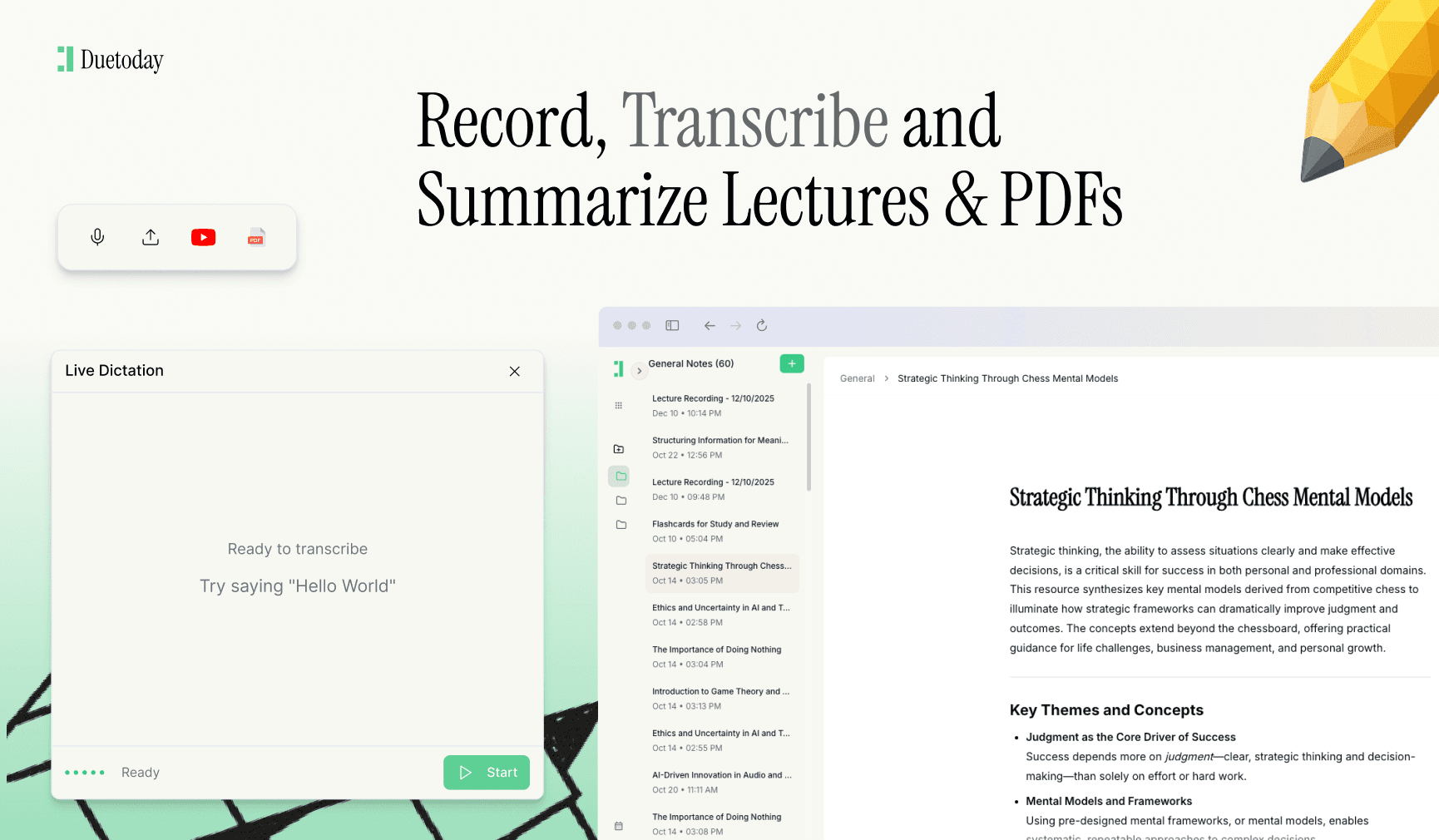
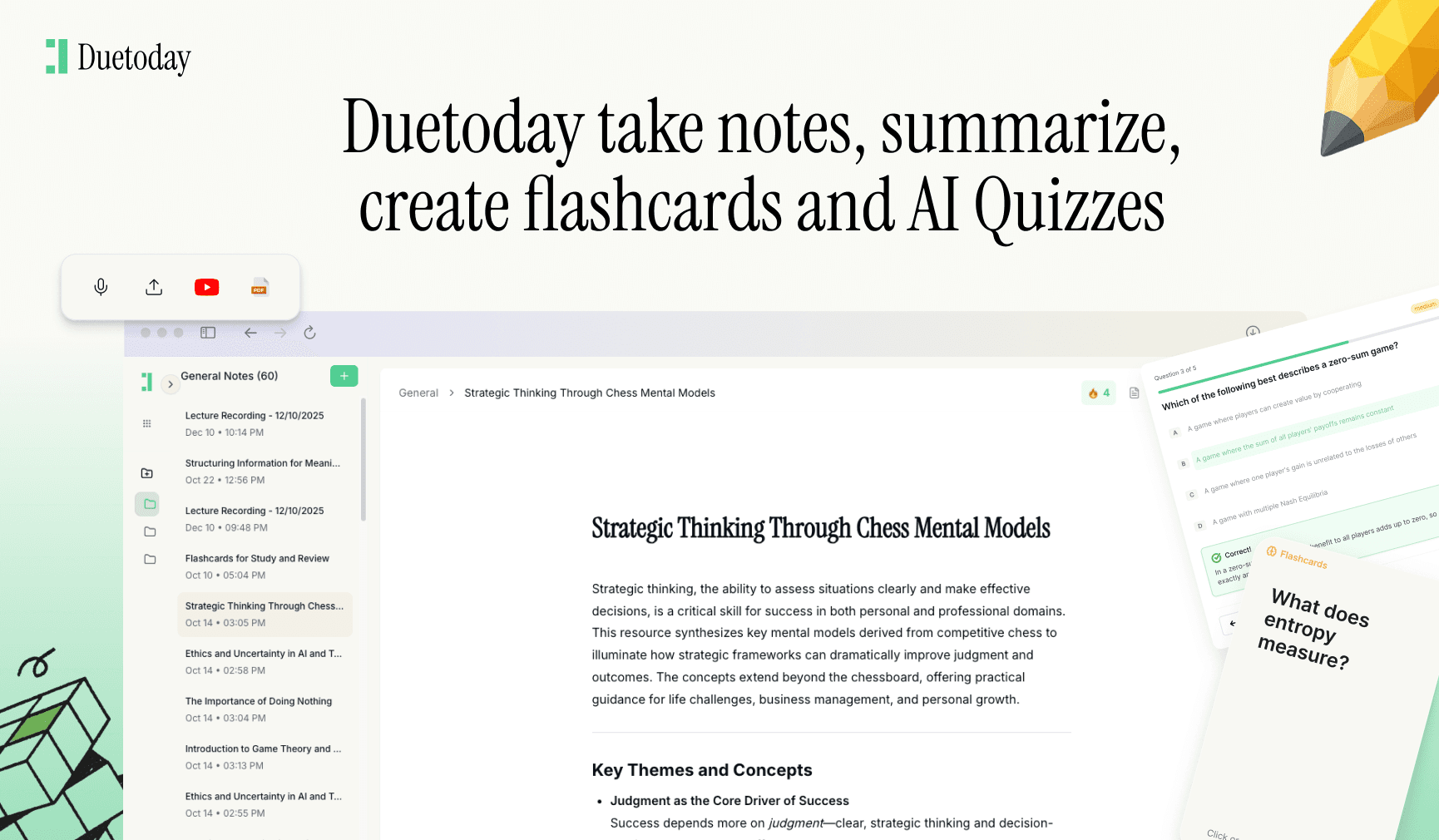
If you want to take your transcribed notes to the next level, Duetoday AI is the perfect companion for your academic journey. Duetoday is an AI-powered learning platform that turns lectures, PDFs, and notes into summaries, flashcards, quizzes, and structured study tools automatically. It acts like a personalized AI tutor, helping students learn faster, stay organized, and retain information without spending hours rewriting notes. Instead of just staring at a wall of text from your transcription, you can feed those notes into Duetoday to instantly generate a study plan that actually helps you pass your exams.
Using Mobile Apps for Live Transcriptions
Mobile applications have revolutionized how students handle lecture audio. Apps like Otter.ai or Google’s Recorder offer real-time transcription, meaning you can watch the words appear on your screen as the professor speaks. This is particularly helpful for international students or those who might struggle with a professor’s accent. These apps often allow you to highlight specific sections of the transcript in real-time, making it easy to flag important information for later review. Once the lecture is over, you can export the text to your favorite note-taking app like Notion or Obsidian for further refinement.
Post-Lecture Transcription Workflows
Sometimes, recording live isn't an option, or your professor provides recorded lecture videos online. In these cases, you can use specialized software to process the audio files after the fact. Tools like Descript or even YouTube’s automated captioning can be utilized to pull text from video formats. For the best results, ensure your audio file is clear. If you are recording in a large hall, try to sit near the front to minimize the echo and chatter from other students. A clear audio source is the single biggest factor in determining the accuracy of any automated transcription tool.
Organizing Your Transcripts for Success
Once you have your text, the real work begins. A raw transcript is often messy, filled with 'umms', 'ahhs', and repetitions. It is important to spend fifteen minutes after each class cleaning up the text. Break the wall of text into smaller paragraphs, add headers for different topics, and bold key terms. Integrating these transcripts into a central knowledge base allows you to connect ideas between different weeks of the course. When you treat your transcripts as a living document rather than just a record of what happened, your understanding of the subject matter deepens significantly.
Conclusion on Digital Note Taking
Mastering the art of transcribing lectures to text is a skill that will serve you throughout your university career and into your professional life. By leveraging modern technology, you free up your brain to do what it does best: think and solve problems. Don't let yourself get bogged down in the mechanics of writing. Use the tools available to you, stay organized, and watch as your study efficiency reaches new heights.

Can I record lectures without permission?
Laws and university policies vary. It is always best to check your student handbook or ask your professor directly before recording a lecture to ensure you are following privacy guidelines.
What is the most accurate transcription software?
Tools like Otter, Descript, and Rev are highly rated for accuracy. However, for students, Google Docs Voice Typing or mobile recorder apps provide a great balance of cost and utility.
How can I transcribe a lecture for free?
You can use the built-in dictation tools on your laptop, or record the audio and upload it to a service that offers a free monthly tier or community-driven speech-to-text models like Whisper.
How do I fix errors in an automated transcript?
Always review your transcript while the lecture is still fresh in your mind. Use the search function to find phonetic errors and replace them with the correct technical terms using find-and-replace tools.