
Free Templates for Students
Pomodoro + focus log (distraction tally + reset) [Free Download]
Download our free Pomodoro + Focus Log. Track your deep work sessions, tally distractions, and reset your focus with this printable productivity tool.
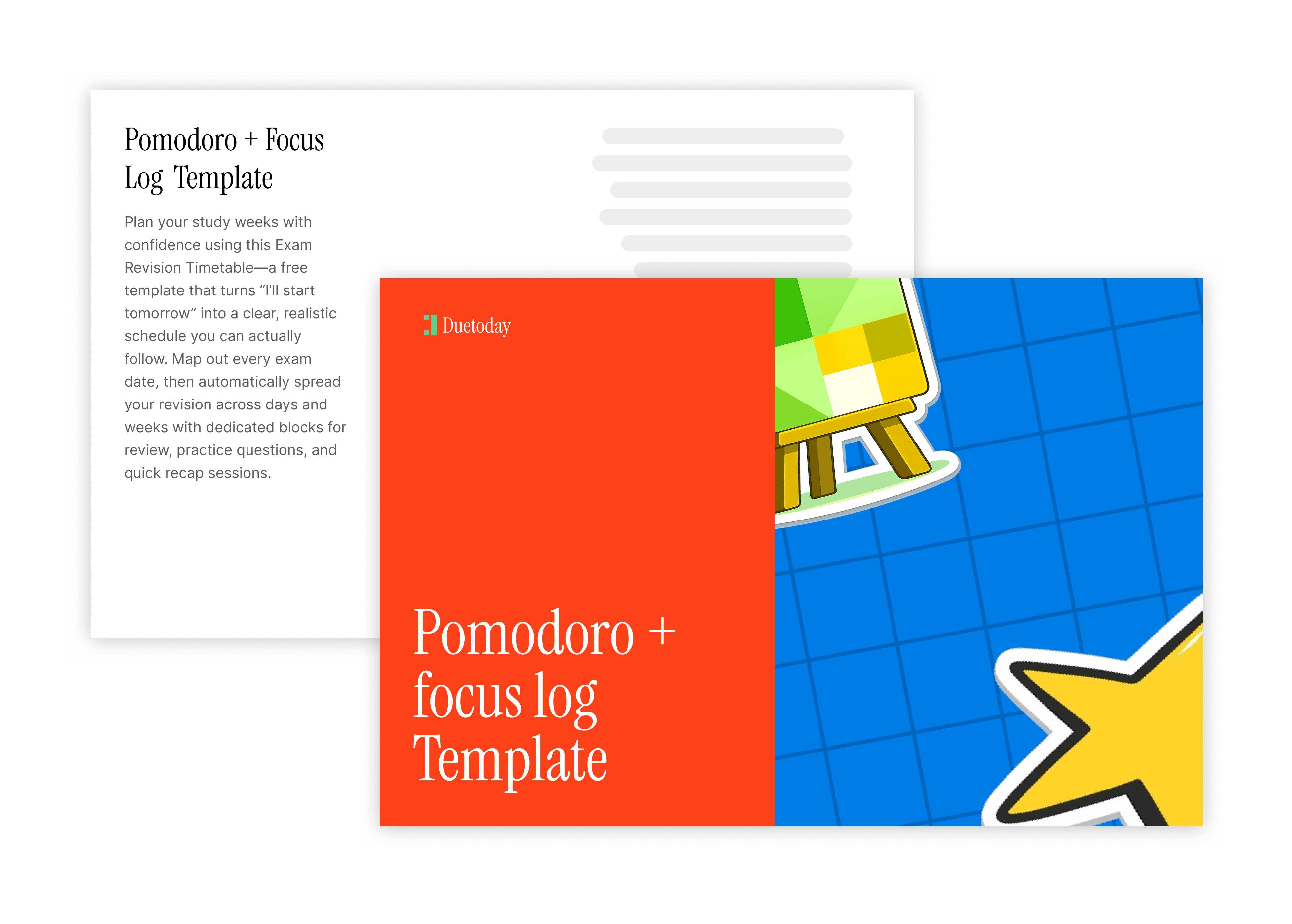
What’s inside? Exclusive insights into:
The power of the Pomodoro Technique combined with a distraction tracker to stop the 'scroll reflex' before it ruins your flow.
How to use a distraction tally to identify exactly what derails your study sessions (internal vs. external triggers).
A step-by-step focus reset protocol to get back into deep work after an interruption.
Practical templates for printable or digital logging that prioritize quality work hours over 'busy' hours.
Looking to reclaim your attention span? Here is how to master your time with our Focus Log.
The Pomodoro + Focus Log: Why Tracking Distractions Changes Everything
Most students use a timer, but they still struggle to stay on task. You set a clock for 25 minutes, but midway through, you find yourself checking a notification or wondering what’s for dinner. The timer keeps ticking, but your brain has already left the room. This is where the Pomodoro + Focus Log becomes your secret weapon.
Traditional productivity tools only track time. Our focus log tracks attention. By tallying every time you feel the urge to drift away, you bring awareness to your habits. This small act of mindfulness makes it significantly harder to get distracted the next time.
Using a structured distraction tally helps you avoid the most common productivity killers:
The 'just one check' social media spiral.
Mental fatigue that leads to mindless browsing.
Unstructured breaks that turn 5 minutes into 50.
The frustration of reaching the end of the day feeling like you did nothing.
This isn't just a timer—it is a data-driven approach to your brain's performance.
How Duetoday AI Complements Your Focus Flow
While the Pomodoro + Focus Log keeps you on track, Duetoday AI ensures your study materials are ready for deep work. Duetoday AI transcribes lectures in real-time, translates instantly, and turns recordings, PDFs, and videos into clean notes, summaries, flashcards, and quizzes. Instead of spending your Pomodoro sessions frantically scribbling, you can focus on understanding while our AI handles the organization.

What your Focus Log should include
To maximize your productivity, your log needs more than just a start and end time. We recommend including these specific sections:
1) Session Goal Setting
Before you hit start, write down exactly one thing you will accomplish. Vague goals like 'study biology' lead to wandering minds. Specific goals like 'finish 3 diagrams' keep you locked in.
2) The Distraction Tally Mark
Every time you get an urge to check your phone or a random thought pops up, make a tally mark. Do not act on the urge—just record it and return to the task. This 'distraction collection' keeps your brain accountable.
3) The Reset Protocol
If a distraction actually breaks your flow, don't give up on the day. Have a 2-minute reset (deep breathing or a quick stretch) to signal to your brain that the break is over and work has resumed.
4) Post-Session Reflection
At the end of four Pomodoros, look at your tallies. Were most distractions internal (thoughts) or external (notifications)? Use this data to optimize your environment for the next round.
Explore More Student Success Resources
Deep Work Guide: How to Stay Focused for 4+ Hours
How to Optimize Your Study Desk for Zero Distractions
The Science of Active Recall and Spaced Repetition
How to Turn Lecture Transcripts into Revision Quizzes with Duetoday AI
Frequently Asked Questions
What is a distraction tally?
A distraction tally is a simple system where you make a mark on paper every time your mind wanders or you feel the urge to check a notification. It builds awareness of your focus patterns.
How long should my Pomodoro sessions be?
The standard is 25 minutes of work and 5 minutes of rest. However, for deep study, many students prefer 50 minutes of work followed by a 10-minute break.
What should I do if I get interrupted?
If it is a quick interruption, mark it on your tally and return immediately. If it's a long interruption, use the 'Focus Reset'—take a 1-minute breather and restart your current timer.
Can I use this log digitally?
Yes! You can use this in apps like Notion or Goodnotes, but many find that a physical paper log is better because it doesn't require opening a screen (which is a distraction source itself).
How does Duetoday AI help with focus?
Duetoday AI saves you the mental energy of 'transcription stress.' Since it captures and summarizes lectures for you, you can spend your focused Pomodoro sessions on active learning rather than just trying to keep up with the professor.

Duetoday is an AI-powered learning OS that turns your study materials into personalised, bite-sized study guides, cheat sheets, and active learning flows.