
Chatgpt prompts for turning slides into notes [Free Guide]
Transform messy lecture slides into structured, actionable study notes using these specialized ChatGPT prompts designed for student retention.
Use Study AI Free
ChatGPT Prompts for Turning Slides Into Notes
Students often struggle with lecture slides that are either too cluttered with text or too sparse to mean anything three weeks later. These prompts unlock a way to bridge that gap, helping you turn static bullets into structured narratives that boost both understanding and long-term retention. Copy/paste the prompts below to transform your study material instantly.
Quick Answer: The Best Way to Use This Guide
To get the best results, copy the text from your PowerPoint or PDF slides and paste it into ChatGPT alongside one of the prompts below. Always replace bracketed text like [Topic] or [Academic Level] with your specific details. The golden rule: Don't let ChatGPT guess—provide the slide text as the source material to prevent hallucinations and ensure the notes reflect exactly what your professor emphasized.
How to Use These Prompts Regularly
Step 1: Export your slides as an outline or copy the text directly from the PDF/PPT.
Step 2: Paste the source material into the chat and specify your constraints (e.g., 'Summary format' or 'Undergraduate level').
Step 3: Use a 'Verification Prompt' to ensure no key diagrams or formulas were skipped.
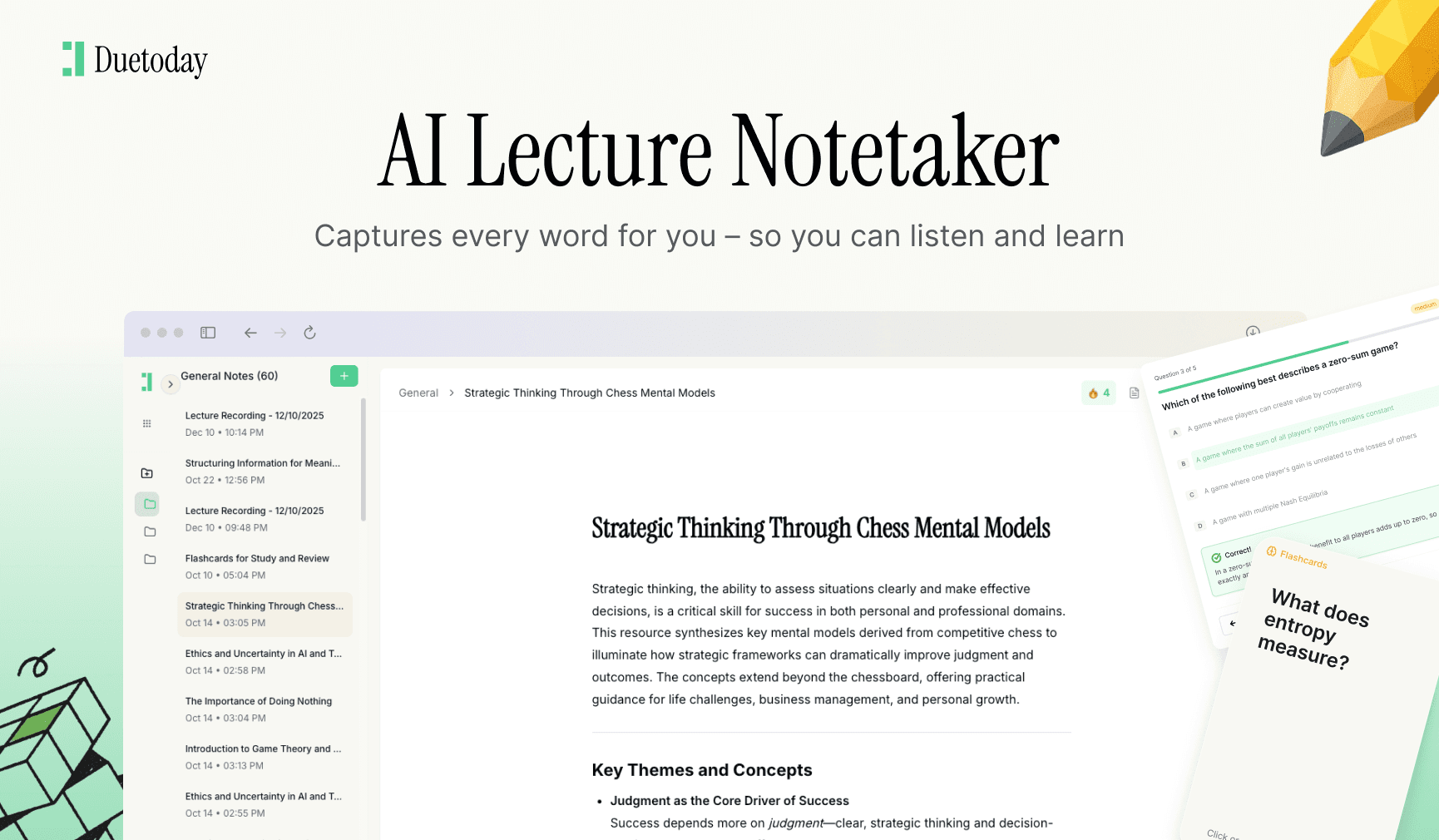
Step 4: Move the output into a retention system like Duetoday to create flashcards and a study schedule.
Bucket A: Understand (Core Concepts)
The Narrative Synthesizer
Use this when your slides are just disconnected bullet points that don't tell a full story.
A good answer looks like a detailed textbook page rather than a list of fragments.
The Socratic Tutor Mode
Use this to ensure you actually understand the underlying logic of the slide content.
A good answer is a short explanation followed by two thought-provoking questions.
Bucket B: Remember (Structuring for Memory)
The Cornell Note Formatter
Use this to organize slide content into the classic, high-retention Cornell format.
A good answer is a clearly partitioned table that makes self-testing easy.
The Mnemonics Creator
Use this for slides containing heavy lists of terms, dates, or processes.
A good answer provides catchy sentences or words tied directly to the slide facts.
Bucket C: Practice (Exam Readiness)
The Active Recall Set
Use this to turn your slides into a self-test system immediately after a lecture.
A good answer is a numbered list of questions that challenge your memory of the slides.
The 'Teach It Back' Drill
Use this to master complex processes or technical slides.
A good answer is a specific prompt from the AI asking you to describe a slide's concept in your own words.
Common Mistakes to Avoid
Pasting images: ChatGPT can struggle with complex diagrams; describe the visual elements if you can.
Lack of context: Always tell the AI what grade level the notes should be for.
No verification: Check that the AI didn't miss minor details like dates or specific formula constants.
Passive reading: Don't just generate notes and read them—use the practice prompts to test yourself.
Conclusion
Turning slides into notes doesn't have to be a manual chore. Pick two of these prompts—one for understanding and one for practice—and start transforming your materials today. If you want this entire workflow automated with one click, Duetoday is ready to help you recall everything you learn.

Duetoday is an AI-powered learning OS that turns your study materials into personalised, bite-sized study guides, cheat sheets, and active learning flows.
More Chatgpt Prompts

GET STARTED
Most Powerful Study Tool
for Students and Educators
Try Out Free. No Credit Card Required.
