
Chatgpt prompts for Studying From Slides [Free Guide]
Master your lectures with these ChatGPT prompts for studying from slides. Convert messy bullet points into study guides, flashcards, and practice tests instantly.
Use Study AI Free
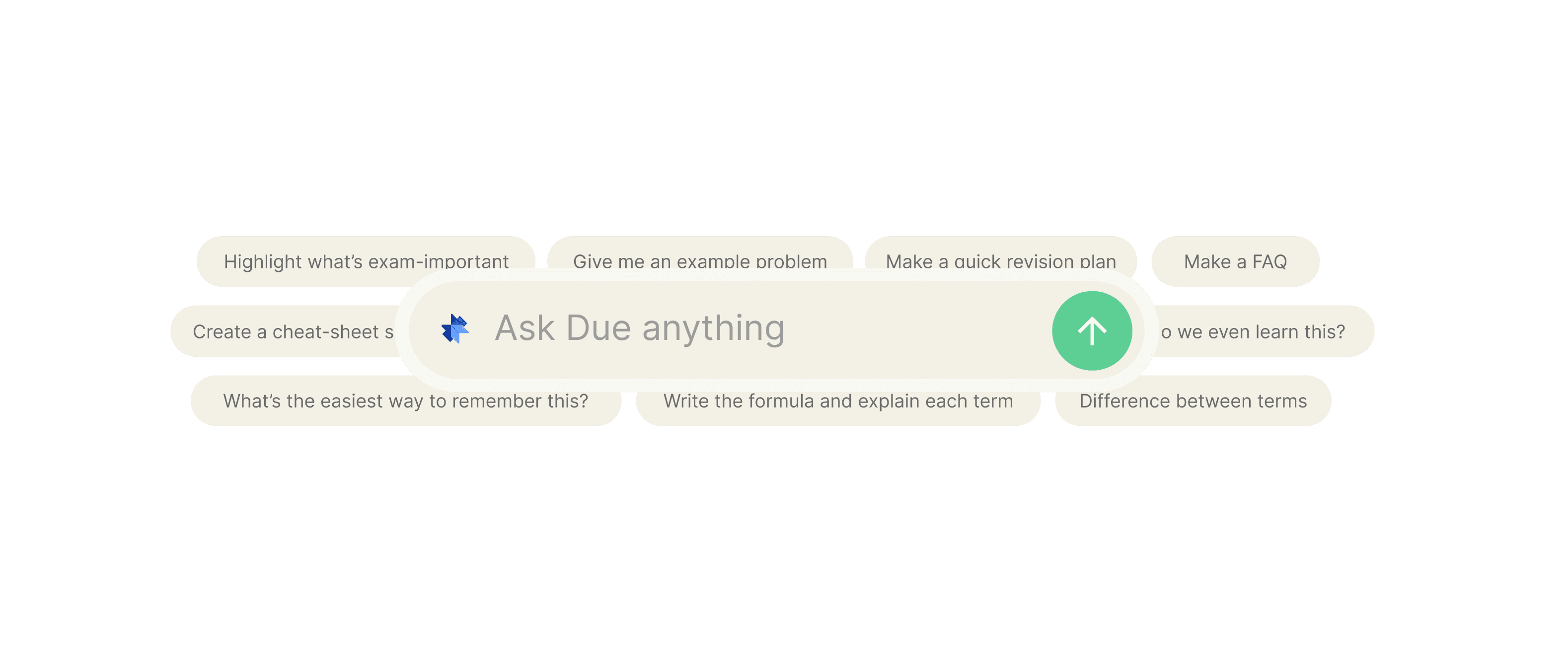
ChatGPT Prompts for Studying From Slides
Many students struggle to make sense of dense, bullet-heavy lecture slides that lack context or explanation. These prompts unlock the ability to turn static presentations into interactive study materials, helping you achieve faster understanding and better long-term retention. Use the copy/paste prompts below to transform your slide deck into a personalized learning system.
The Quick Start Guide
To get the best results, copy the text from your PowerPoint or PDF slides and paste it directly into ChatGPT alongside these prompts. Always replace placeholder text like [Topic] or [Complexity] with your specific details. The golden rule for studying from slides: never let ChatGPT guess the content—always provide your specific lecture notes to ensure the AI doesn't hallucinate outside information.
How to Use These Prompts Effectively
Step 1: Paste your material: Select all text from your slides (or upload the PDF) to give the AI the necessary context.
Step 2: Set constraints: Specify your current level (e.g., Undergraduate, Medical Student) and the format you need (e.g., bullet points, table, or Q&A).
Step 3: Output & Self-check: Review the generated content and ask the AI to quiz you on the most difficult concepts to spot knowledge gaps.
Step 4: Convert into Spaced Repetition: Take the outputs and move them into a system like Duetoday for long-term retention.
Bucket A: Understand Complex Concepts
The 'Explain Like I'm 10' Bridge
Use this when a slide contains heavy jargon without enough context.
A good answer provides a clear analogy followed by a professional breakdown of the slide's terminology.
The Socratic Slide Tutor
Use this to deepen your understanding instead of just reading definitions.
A good answer challenges your thinking without handing you the solution, forcing active engagement.
Connect the Dots
Use this when you have multiple slides and need to see the big picture.
A good answer identifies logical transitions and themes that aren't explicitly written on the slides.
Bucket B: Remember and Organize
The High-Yield Summary Table
Use this to organize messy bullet points into a structured format.
A good answer creates a clean, scannable reference sheet with creative memory aids.
Automatic Flashcard Generator (Anki/Duetoday Style)
Use this to prepare for active recall sessions.
A good answer provides atomic, single-concept cards that are easy to study.
Bucket C: Practice and Test
The 'Spot the Gap' Exam Prep
Use this to see if you actually know the material or are just familiar with the words.
A good answer includes plausible distractors (wrong answers) that test deep comprehension.
The 'Teach It Back' Drill
Use this to master the material through explanation.
A good answer identifies specific omissions in your logic, helping you refine your knowledge.
Common Mistakes to Avoid
Asking without source text: ChatGPT will pull from the general internet, which may contradict your professor's specific curriculum.
Not defining difficulty: If you don't specify 'undergraduate' or 'post-grad,' the AI might give you answers that are too simple or overly complex.
Ignoring hallucinations: Always double-check citations or specific formulas against your original slides.
Passive reading: Don't just ask for a summary. Ask for quizzes and practice questions to engage your brain.
Level Up Your Study Workflow
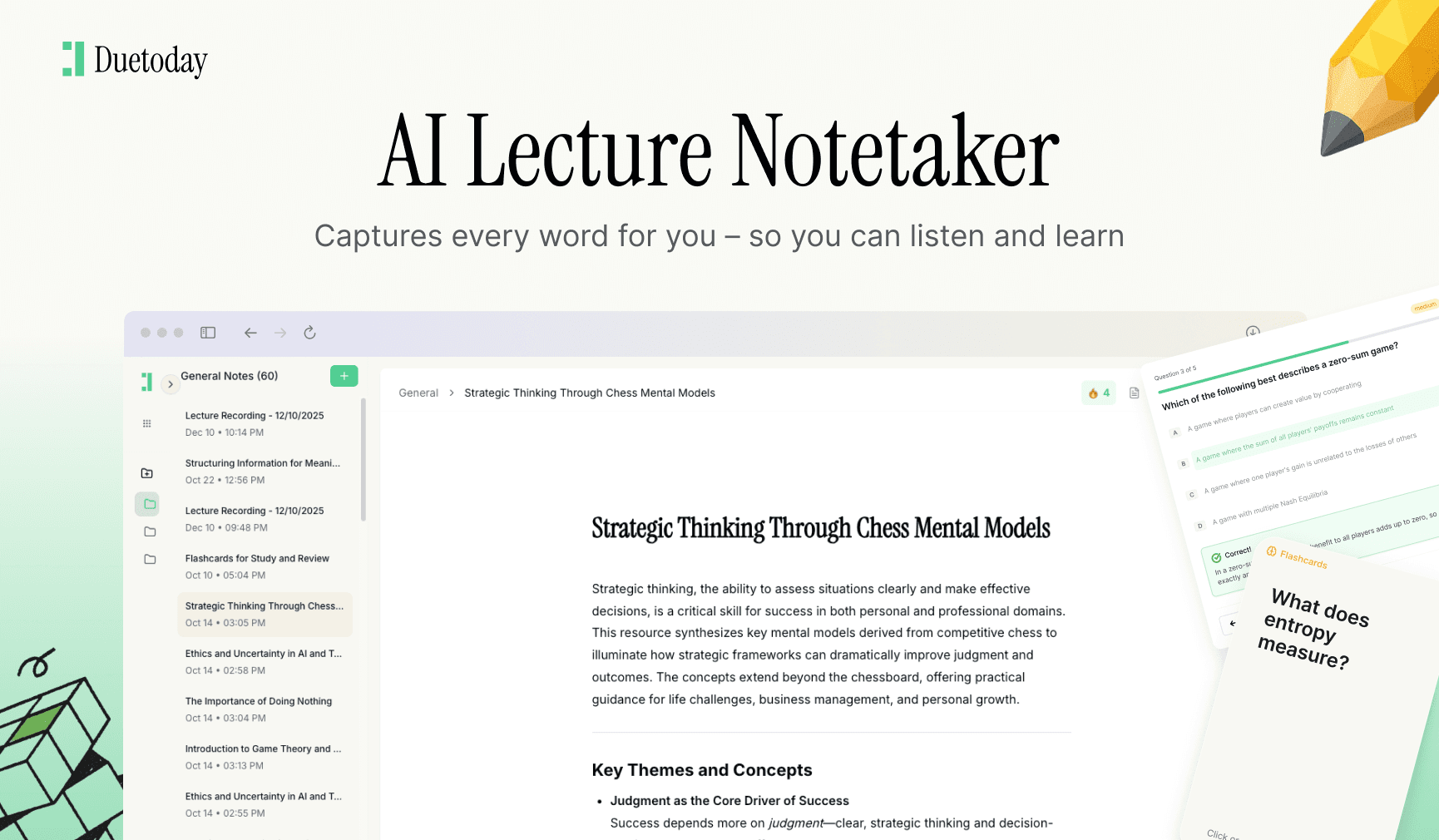
If you find yourself constantly copying and pasting slides into ChatGPT, there is a better way. Duetoday automates this entire process. Simply upload your slide deck, and the AI Brain instantly connects it to your other notes, generates flashcards, and builds a custom study plan for you.
Pick two prompts from the 'Understand' section and start your study session now. If you want it done automatically, try Duetoday.

Duetoday is an AI-powered learning OS that turns your study materials into personalised, bite-sized study guides, cheat sheets, and active learning flows.
More Chatgpt Prompts

GET STARTED
Most Powerful Study Tool
for Students and Educators
Try Out Free. No Credit Card Required.
