
Chatgpt prompts for studying from PDFs [Free Guide]
Stop struggling with long PDFs. Use these ChatGPT prompts to extract key points, create study guides, and generate practice questions from any document.
Use Study AI Free
ChatGPT Prompts for Studying From PDFs
Many students struggle to digest dense academic papers, long textbooks, or multi-page lecture slides, often spending hours reading without actually retaining the core concepts. These ChatGPT prompts unlock a faster way to understand, retain, and practice the material hidden within your documents. Copy and paste the prompts below to transform your static files into an interactive learning experience.
Quick Answer: The Best Way to Study PDFs
To get the most out of ChatGPT with your PDFs, you should always upload the document (or paste the text) first. Use this format: "Based on the attached PDF, [Insert Prompt]. Use only the provided text to avoid hallucinations." Replace specific variables like [Topic], [Grade Level], and [Exam Date] to tailor the output to your specific needs.
How to Use These Prompts
Step 1: Upload your PDF or paste the specific sections you need to master.
Step 2: Set constraints such as your current knowledge level and the desired output format (e.g., table, list, or summary).
Step 3: Ask for specific outputs and self-check the results for accuracy.
Step 4: Convert the generated insights into active recall tools like flashcards or quizzes.
Bucket A: Understand Complex PDF Content
The Simplified Summary
Use this when you have a dense technical chapter that feels impossible to decode.
A good answer provides a high-level overview without losing the technical accuracy of the source material.
Socratic Tutor Mode
Use this to build deep conceptual understanding rather than just memorizing facts.
A good answer will challenge your thinking and guide you to discover the logic within the text.
The Executive Breakdown
Use this for research papers where you need to extract methodology and results quickly.
A good answer offers a clean, professional outline that saves you from reading 30+ pages of fluff.
Bucket B: Remember and Organize
The Glossary Generator
Use this when your PDF is filled with jargon and technical terms.
A good answer provides a quick-reference guide that makes subsequent readings much faster.
Spaced Repetition Schedule
Use this to plan your long-term retention based on the document's complexity.
A good answer balances the workload and ensures you revisit difficult topics frequently.
Bucket C: Practice and Test
Practice Question Bank
Use this to simulate an exam environment using only the PDF content.
A good answer tests your application of the knowledge, not just rote memorization.
The 'Teach it Back' Drill
Use this to identify gaps in your understanding.
A good answer acts as a mirror, highlighting the nuances you might have overlooked during your initial reading.
Common Mistakes to Avoid
No Source Context: Asking ChatGPT questions about a PDF without uploading or pasting the text leads to generic, often incorrect answers.
Vague Difficulty: Not specifying if you are a high schooler or a PhD student often results in the wrong level of complexity.
Ignoring Citations: Assuming the AI's summary is 100% accurate; always cross-reference the generated points with the original page numbers.
Automate Your PDF Study Flow with Duetoday
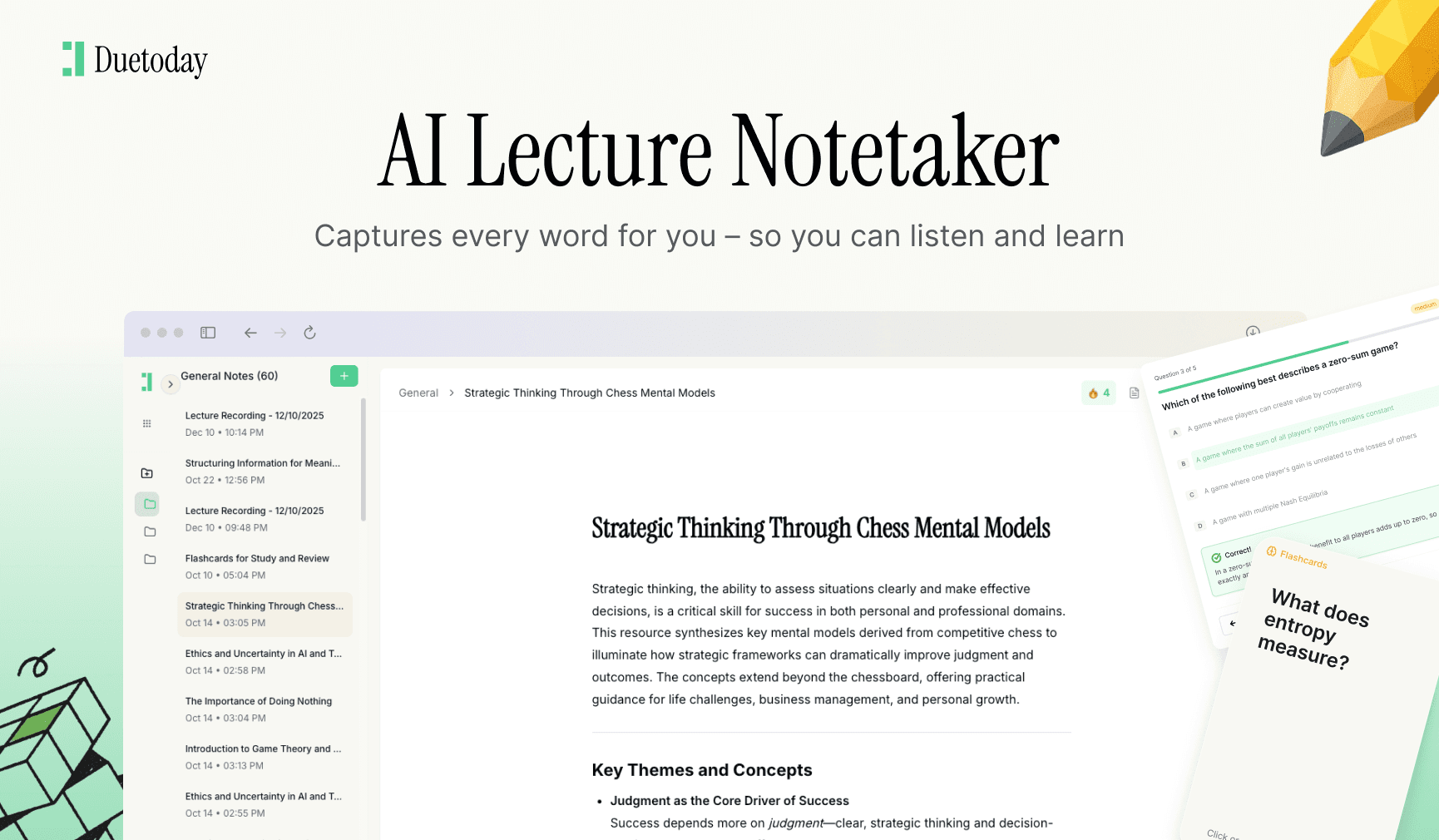
If you want this process automated, Duetoday is your solution. Instead of refining prompts, simply upload your PDF. Duetoday’s AI Brain connects your documents, parses the text perfectly, and generates flashcards, quizzes, and structured notes effortlessly. It’s the ultimate retention-first workspace for serious students.
Pick 2 prompts and start today. Or let Duetoday do the heavy lifting for you.

Duetoday is an AI-powered learning OS that turns your study materials into personalised, bite-sized study guides, cheat sheets, and active learning flows.
More Chatgpt Prompts

GET STARTED
Most Powerful Study Tool
for Students and Educators
Try Out Free. No Credit Card Required.
