
ChatGPT Prompts for Note-Taking [Free Guide]
Discover the best ChatGPT prompts for note-taking. Learn how to transform messy lectures, PDFs, and videos into structured, high-retention study notes instantly.
Use Study AI Free
ChatGPT Prompts for Note-Taking
Students often struggle with the sheer volume of information in lectures and readings, leading to messy, unorganized notes that are impossible to review later. These prompts unlock a system for faster understanding, better retention, and organized practice by transforming passive reading into active learning. Simply copy and paste the prompts below to streamline your study workflow.
Quick Answer: The Best Way to Use This Page
To get the most out of these note-taking prompts, follow this protocol: Copy the prompt of your choice, paste your source text (lecture transcript, article, or slide content) directly into ChatGPT, and specify your current level of understanding. The #1 Rule: Always provide your actual notes or source text. Never ask ChatGPT to 'take notes on biology' without a source, or it will hallucinate facts not covered in your specific curriculum.
How to Use These Prompts
Step 1: Paste your raw material (raw transcript, PDF text, or messy handwritten notes).
Step 2: Set your constraints, such as the Cornell Note-taking format, a 5th-grade reading level for complex topics, or a specific word count.
Step 3: Ask for specific outputs like a summary followed by a 'gap analysis' to find what you missed.
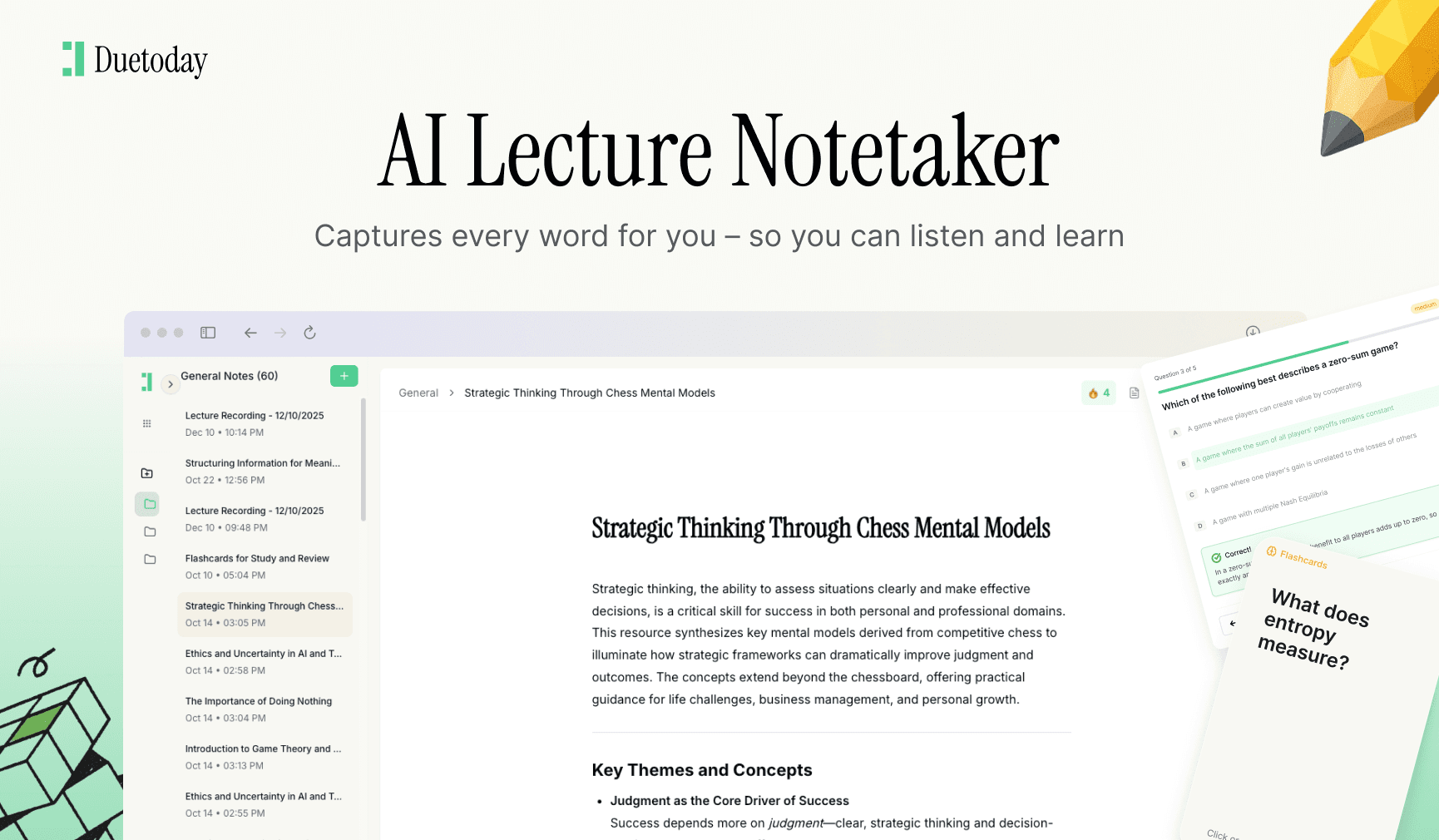
Step 4: Import those structured notes into a system like Duetoday to convert them into long-term memory tools.
Bucket A: Understand & Structure
1. The Cornell Method Transformer
Use this when you have a long, unstructured transcript and need an organized layout for future review.
"Act as an academic assistant. Take the following text and organize it using the Cornell Note-taking system. Create a 'Cues' column for key terms, a 'Notes' section for detailed explanations, and a 'Summary' section at the end. [Paste Source Text Here]"
A good answer provides a clear table or partitioned layout that isolates key terms from supporting details.
2. Concept Hierarchy Map
Use this to break down complex topics into a logical flow from broad themes to specific details.
"Analyze the attached text and create a hierarchical outline. Use H1 for main themes, H2 for sub-concepts, and bullet points for supporting evidence or examples. Ensure the relationship between concepts is clear. [Paste Source Text Here]"
A good answer looks like a structured table of contents that makes the logic of the topic instantly visible.
3. The 'Explain Like I'm 5' Translation
Use this for dense, jargon-heavy academic papers that feel impossible to digest on the first read.
"Rewrite these notes using simple language and analogies. Avoid jargon where possible, or define it immediately if it must be used. Then, provide a more advanced technical summary of the same points. [Paste Source Text Here]"
A good answer gives you a 'lightbulb moment' through an analogy before providing the professional version.
Bucket B: Remember & Retain
4. The Active Recall Q&A Generator
Use this to turn your passive notes into an interactive self-test immediately after drafting them.
"Based on the notes provided, generate 10 challenging questions that test my understanding of the 'why' and 'how' rather than just 'what'. Do not provide the answers until I ask for them. [Paste Source Text Here]"
A good answer forces you to think critically rather than just skimming the surface of your material.
5. The Spaced Repetition Planner
Use this to turn a single study session into a long-term retention schedule.
"I have an exam on [Date]. Based on these notes, create a 4-week spaced repetition schedule. Tell me which specific concepts to review on which days to maximize memory retention. [Paste Source Text Here]"
A good answer provides a calendar-like list of dates with specific topics assigned to each session.
6. Keyword and Vocabulary Extraction
Use this to build a glossary for technical subjects like medicine, law, or engineering.
"Identify all technical terms and key vocabulary in the following text. List them alphabetically, followed by a one-sentence definition and an example of how it's used in context. [Paste Source Text Here]"
A good answer provides a clean, searchable list of terms vital for exam performance.
Bucket C: Practice & Refine
7. The Socratic Tutor Mode
Use this to deepen your understanding through dialogue rather than just reading a summary.
"I want to learn the concepts in these notes. Do not summarize them for me. Instead, ask me a series of questions one by one to see if I understand the material. Correct me if I am wrong. [Paste Source Text Here]"
A good answer is a back-and-forth conversation that highlights your specific knowledge gaps.
8. The Error-Log Generator
Use this after a practice test to categorize your mistakes and update your notes accordingly.
"Here is a list of questions I got wrong and my notes on the topic. Identify the pattern in my mistakes and rewrite the relevant section of my notes to clarify those specific points. [Paste Notes and Mistakes Here]"
A good answer specifically targets your weaknesses and provides a 'remedial' version of your notes.
Common Mistakes to Avoid
No Source Context: Asking for notes on 'The Civil War' results in generic info. Always paste your specific lecture slides.
Formatting Neglect: Not asking for a specific format (like Markdown or Tables) results in a 'wall of text' that is hard to read.
Zero Verification: Assuming the AI caught every detail. Use AI for the first draft, but always skim for missing key points.
Start Organizing Your Learning
Pick two prompts above—ideally the Cornell Method and the Q&A Generator—and apply them to your next lecture. If you want this entire workflow automated in a single workspace that connects your PDFs, Notion, and Calendar, Duetoday can do it for you. Stop prompting and start learning.

Duetoday is an AI-powered learning OS that turns your study materials into personalised, bite-sized study guides, cheat sheets, and active learning flows.
More Chatgpt Prompts

GET STARTED
Most Powerful Study Tool
for Students and Educators
Try Out Free. No Credit Card Required.
