
Chatgpt prompts for "Creating a Study Plan" [Free Guide]
Discover the best ChatGPT prompts for creating a personalized study plan. Turn your notes into a structured schedule to boost retention and ace your exams.
Use Study AI Free
ChatGPT Prompts for Creating a Study Plan
Students often struggle to organize massive amounts of course material into a manageable timeline, leading to burnout and last-minute cramming. These prompts unlock a structured, stress-free path to mastery by converting your syllabus and notes into a high-retention schedule. Copy and paste the prompts below to transform your study habits today.
Quick Start: How to Use This Page
To get the most out of these prompts, follow this simple formula: [Topic/Syllabus] + [Time Constraints] + [Learning Goal]. Instead of asking ChatGPT to 'make a plan,' paste your specific lecture notes or exam dates. This prevents the AI from being too generic and ensures the schedule actually covers what you need to know for your specific course level.
How to Master Your Study Schedule with ChatGPT
Step 1: Feed the AI: Paste your syllabus, exam dates, or a list of topics you need to cover.
Step 2: Set Constraints: Define how many hours per day you can study and your current knowledge level.
Step 3: Specify the Format: Ask for a daily breakdown, a weekly overview, or a checklist.
Step 4: Automate Retention: Ask ChatGPT to include 'active recall' sessions within the schedule to ensure you don't just read, but remember.
Bucket A: Understand & Organize
The Syllabus Breakdown
Use this when you have a massive document and don't know where to start.
A good answer will provide a weighted list of topics based on their complexity and frequency in the curriculum.
The Realistic Time-Blocker
Use this to fit studying into a busy life without burning out.
A good answer provides a clear, hour-by-hour or block-based schedule that respects your availability.
The Concept Hierarchy
Use this to understand the logical flow of a subject before diving in.
A good answer creates a step-by-step ladder of topics that ensures you don't skip necessary prerequisites.
Bucket B: Remember & Retain
The Spaced Repetition Scheduler
Use this to ensure you don't forget what you learned in week 1 by the time week 4 arrives.
A good answer will show a calendar view with specific 'review days' interspersed with new 'learning days.'
The 'Teach It Back' Drill
Use this to move beyond passive reading into active mastery.
A good answer challenges your understanding and forces you to retrieve information from memory.
Bucket C: Practice & Execute
The Exam-Style Practice Plan
Use this to simulate the pressure of the actual test day.
A good answer mimics the difficulty and tone of your specific academic level.
The Error-Log Strategy
Use this after a practice session to focus on your weaknesses.
A good answer pivots your schedule to focus on the 'low-hanging fruit' where you need the most improvement.
The Final Week Sprint
Use this for the final 7 days before a major deadline.
A good answer provides a high-energy plan focused on testing rather than reading.
Common Mistakes to Avoid
Asking without source text: ChatGPT will guess your curriculum if you don't provide it. Paste your notes.
Ignoring rest days: A plan without breaks leads to burnout. Always prompt for 'buffer time.'
Passive Planning: Don't just list topics; ask the AI to include 'quiz sessions' in the plan to enforce active recall.
Vague Timelines: Avoid 'Study Chapter 1.' Instead, ask for 'Complete three practice problems for Chapter 1.'
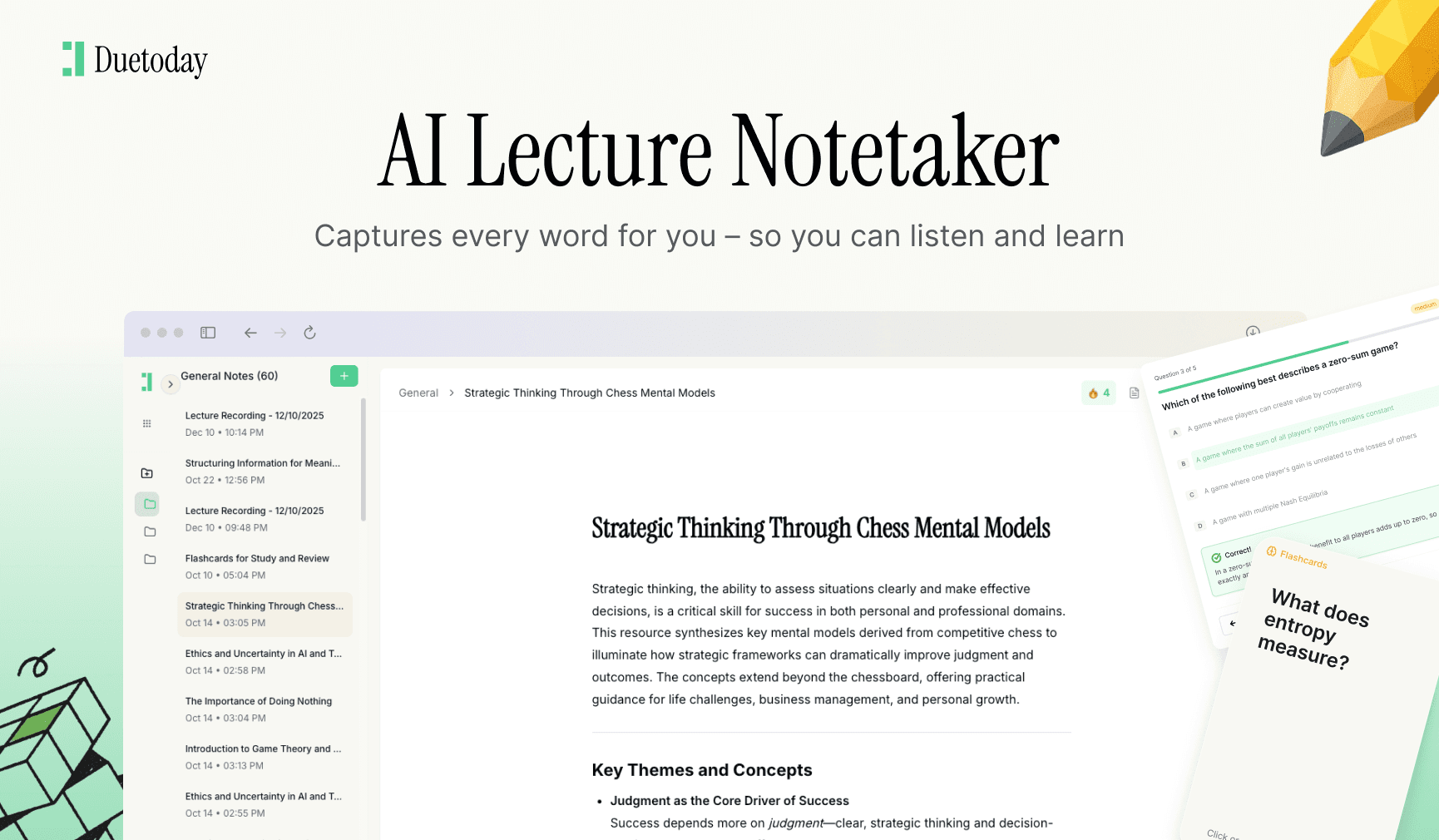
Pick just two of the prompts above and start today. If you want this process fully automated—where your notes, PDFs, and videos are turned into a study plan with one click—Duetoday is built exactly for that.

Duetoday is an AI-powered learning OS that turns your study materials into personalised, bite-sized study guides, cheat sheets, and active learning flows.
More Chatgpt Prompts

GET STARTED
Most Powerful Study Tool
for Students and Educators
Try Out Free. No Credit Card Required.
